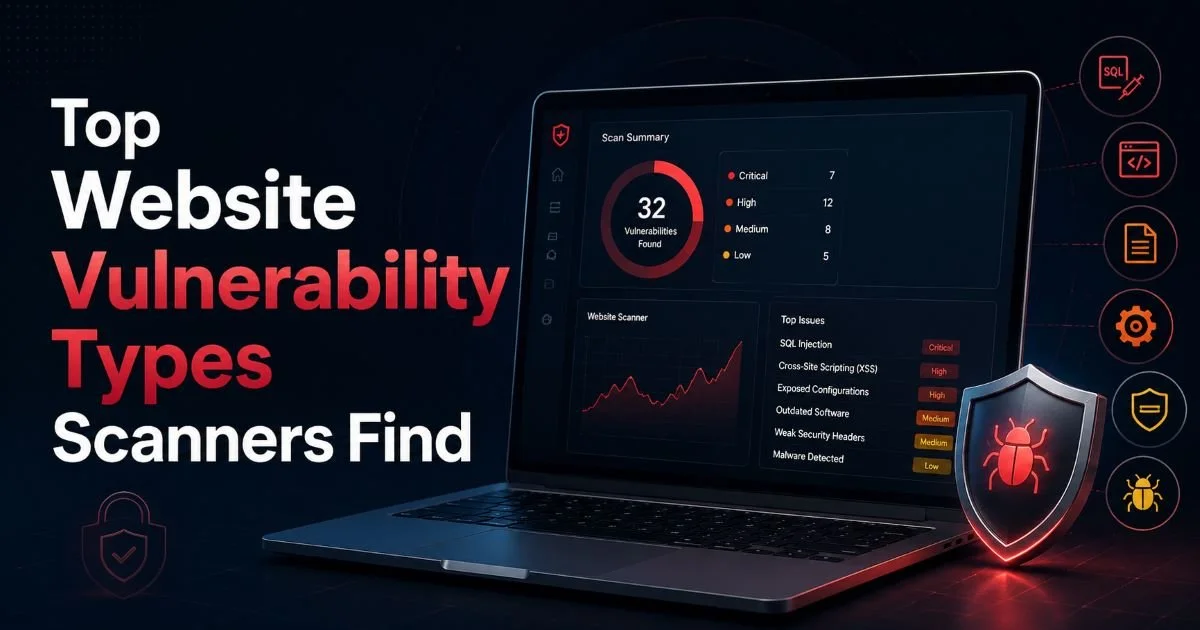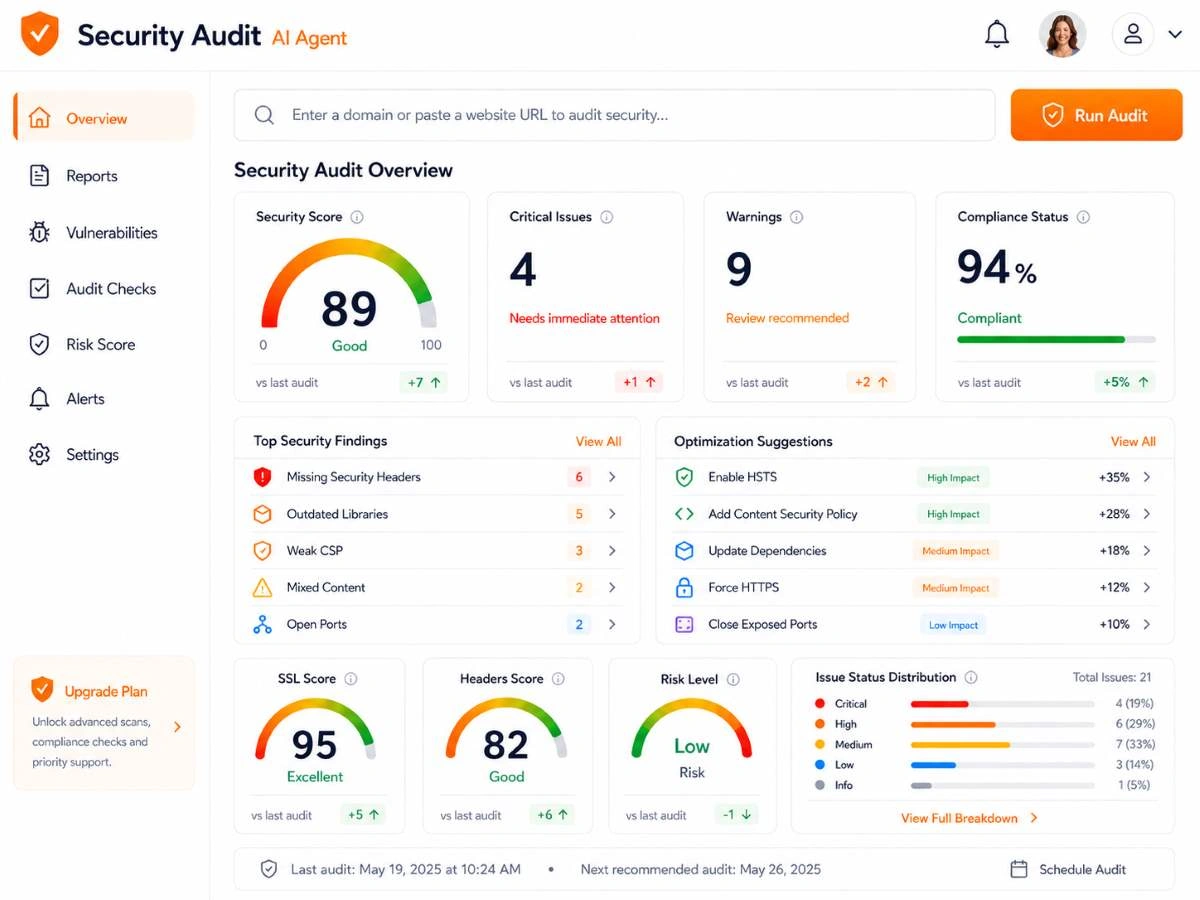
What is website security scanning? A complete guide to this topic should cover more than just the definition. It should also reveal the specific vulnerability types that scanners identify on a daily basis.
Modern web applications face a constantly evolving threat landscape, and automated scanners serve as the first line of defense for developers and administrators who need to catch weaknesses before attackers exploit them.
The stakes are real: a single unpatched vulnerability can lead to data breaches, defaced pages, or complete server compromise. Understanding what scanners actually look for helps you prioritize fixes and build stronger applications from the ground up.
This article walks you through the top vulnerability categories that scanners detect, with actionable steps to address each one.
Key Takeaways
- Injection flaws remain the most common and dangerous vulnerability class scanners flag.
- Broken authentication weaknesses let attackers hijack user sessions without brute force.
- Misconfigured security headers expose sites to clickjacking, XSS, and data leakage.
- Outdated software components with known CVEs are among the easiest targets to exploit.
- Regular scanning combined with manual review provides the strongest security posture overall.
1. Identify and Fix Injection Vulnerabilities
SQL Injection
Injection flaws have topped the OWASP Top 10 list for over a decade, and for good reason. SQL injection occurs when user-supplied input is concatenated directly into database queries without proper sanitization. Scanners detect this by sending crafted payloads (single quotes, boolean conditions, time-delay commands) into form fields, URL parameters, and HTTP headers. When the application responds differently to these payloads, the scanner flags a confirmed or probable SQL injection point. For a deeper understanding of how scanning tools work across these categories, see this complete guide to website security scanning.
Fixing SQL injection requires using parameterized queries or prepared statements in every database interaction. Object-relational mapping (ORM) frameworks like SQLAlchemy, Eloquent, or Hibernate handle this automatically when used correctly. Never build queries through string concatenation, even for internal admin tools. Code review should specifically check for any instance where user input flows into a raw SQL string without binding.
Run your scanner against both authenticated and unauthenticated states to catch injection points hidden behind login forms.
Command Injection and LDAP Injection
Beyond SQL, scanners also probe for OS command injection, LDAP injection, and XML injection. Command injection is particularly dangerous because it gives attackers direct access to the underlying operating system. A vulnerable PHP script using exec() or system() with unsanitized input can let an attacker run arbitrary commands. Scanners test for this by appending shell metacharacters like semicolons, pipes, and backticks to input fields and monitoring responses.
LDAP injection targets applications that query directory services for authentication or user lookups. Scanners send specially crafted LDAP filter strings to detect whether the application blindly trusts user input in directory queries. The fix is straightforward: validate and escape all special characters before including them in LDAP queries, or use frameworks that provide built-in escaping. Every injection class follows the same root cause pattern, which is trusting user input without validation.
Even internal APIs can be vulnerable to injection. Scanners should test API endpoints, not just browser-facing forms.
2. Detect Authentication and Session Management Flaws
Weak Credentials and Session Fixation
Scanners actively test for weak authentication mechanisms by checking default credentials, password policy enforcement, and session management behavior. Many scanning tools maintain databases of common username and password combinations (admin/admin, root/password) and attempt them against login pages. Session fixation vulnerabilities, where an attacker can set a victim's session ID before they log in, are detected by analyzing how the application handles session tokens during the authentication lifecycle.
Session tokens themselves are scrutinized for entropy, length, and transmission security. A scanner will flag session cookies that lack the Secure flag (transmitted over HTTP), the HttpOnly flag (accessible to JavaScript), or the SameSite attribute (vulnerable to CSRF). These are quick wins that dramatically reduce attack surface. Most web frameworks let you configure all three attributes in a single configuration line, yet they remain among the most frequently reported findings.
Missing Multi-Factor Authentication
Advanced scanners and security audit tools flag the absence of multi-factor authentication on administrative interfaces and sensitive operations. While MFA cannot be "detected" through a simple probe, scanners analyze the login flow and note whether any secondary verification step exists. This is especially important for CMS admin panels, database management interfaces, and cloud provider consoles that are exposed to the internet.
Implementing MFA using TOTP (time-based one-time passwords) is straightforward with libraries available for every major language. Services like Google Authenticator or hardware keys (FIDO2/WebAuthn) add a layer that stops credential stuffing attacks cold. Pair this with rate limiting on login endpoints (which scanners also test by sending rapid successive requests) and you eliminate the most common authentication attack vectors. Tools like the best AI scanner options can help identify these gaps systematically across large application portfolios.
Scanners may report "informational" findings about missing MFA. Do not ignore these; treat them as high-priority recommendations for admin accounts.
3. Address XSS and Security Header Misconfigurations
Reflected, Stored, and DOM-Based XSS
Cross-site scripting (XSS) is the vulnerability category scanners find most frequently. Reflected XSS occurs when user input is immediately echoed back in the response without encoding. Scanners inject payloads like <script>alert(1)</script> into every parameter and check whether the payload appears unescaped in the HTML response. Stored XSS is more dangerous because the malicious script persists in the database and executes for every user who views the affected content.
"Cross-site scripting accounts for roughly 40% of all web vulnerabilities reported in bug bounty programs."
DOM-based XSS is harder for traditional scanners to catch because it occurs entirely in client-side JavaScript without any server interaction. Modern scanners with headless browser engines (Chromium-based crawling) can detect DOM XSS by analyzing how JavaScript processes URL fragments, query parameters, and postMessage data. The defense against all XSS variants is context-aware output encoding: HTML entity encoding for HTML contexts, JavaScript encoding for script contexts, and URL encoding for URL contexts.
Security Header Gaps
Security header analysis is one of the fastest checks a scanner performs, and the results often reveal significant gaps. Missing Content-Security-Policy headers, absent X-Frame-Options, and lack of Strict-Transport-Security are flagged immediately. These headers cost nothing to implement and protect against entire classes of attacks. A strong CSP alone can mitigate most XSS attacks even when the application code has encoding flaws.
Configuring these headers typically involves adding a few lines to your web server configuration or application middleware. For Apache, add them in .htaccess or httpd.conf. For Nginx, use the add_header directive. For Express.js applications, the helmet middleware sets sensible defaults with a single line of code. Test your headers after deployment by running a quick scan to confirm they are applied correctly across all routes, not just the homepage.
Set Content-Security-Policy in report-only mode first to identify legitimate scripts that would break, then switch to enforcement.
4. Remediate Outdated Components and Server Misconfigurations
Known CVEs in Third-Party Libraries
Scanners maintain extensive databases of known vulnerabilities (CVEs) mapped to specific software versions. When a scanner identifies that your site runs jQuery 2.1.4, WordPress 5.2, or Apache 2.4.29, it cross-references those versions against public vulnerability databases. This check alone often produces the longest list of findings in a scan report. The fix is simple in theory (update to the latest version) but complex in practice when dependencies create compatibility constraints.
Dependency scanning should be integrated into your CI/CD pipeline, not just run as a periodic website scan. Tools like npm audit, Composer audit, and pip-audit check your dependency tree against vulnerability databases at build time. This catches issues before they reach production. For frontend libraries loaded from CDNs, use Subresource Integrity (SRI) hashes to prevent tampered versions from executing in visitors' browsers.
Server and Cloud Misconfigurations
Server misconfigurations are a broad category that scanners probe thoroughly. Directory listing enabled on the web server, exposed .git or .env files, default error pages that reveal stack traces, and unnecessary HTTP methods (PUT, DELETE, TRACE) all get flagged. Each of these gives attackers information or access they should not have. A scanner that finds a publicly accessible .env file has essentially found your database credentials, API keys, and application secrets in plain text.
Cloud misconfigurations deserve special attention because they scale the impact of mistakes. A misconfigured S3 bucket, an overly permissive security group, or an exposed Kubernetes dashboard can compromise an entire infrastructure. Scanners designed for cloud environments check IAM policies, storage permissions, and network configurations against best-practice benchmarks. Run these scans after every infrastructure change, not just on a monthly schedule. Automation is your friend here: trigger scans from your deployment pipeline and block releases that introduce new critical findings.
Never store .env files, database backups, or configuration dumps in your web root. Scanners will find them, and so will attackers.
Frequently Asked Questions
?How do I scan for SQL injection behind a login form?
?Is automated scanning enough, or do I still need manual review?
?How long does fixing outdated third-party library CVEs typically take?
?Do security header misconfigurations really lead to serious breaches?
Final Thoughts
Website security scanning is not a one-time task but an ongoing practice that should be woven into your development workflow. The vulnerability types covered here (injection flaws, authentication weaknesses, XSS, missing headers, outdated components, and server misconfigurations) represent the findings that scanners surface most often in real-world assessments.
Addressing these systematically will eliminate the vast majority of attack surface on your web applications. Pair automated scanning with manual code review, and you will build applications that stand up to serious scrutiny.
Disclaimer: Portions of this content may have been generated using AI tools to enhance clarity and brevity. While reviewed by a human, independent verification is encouraged.