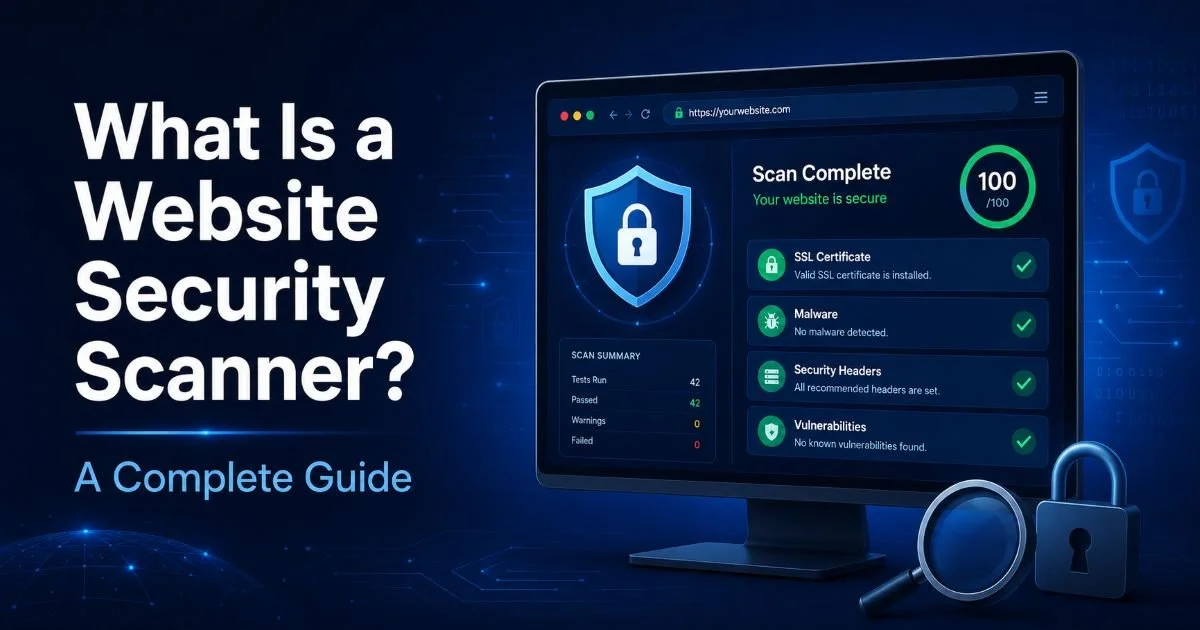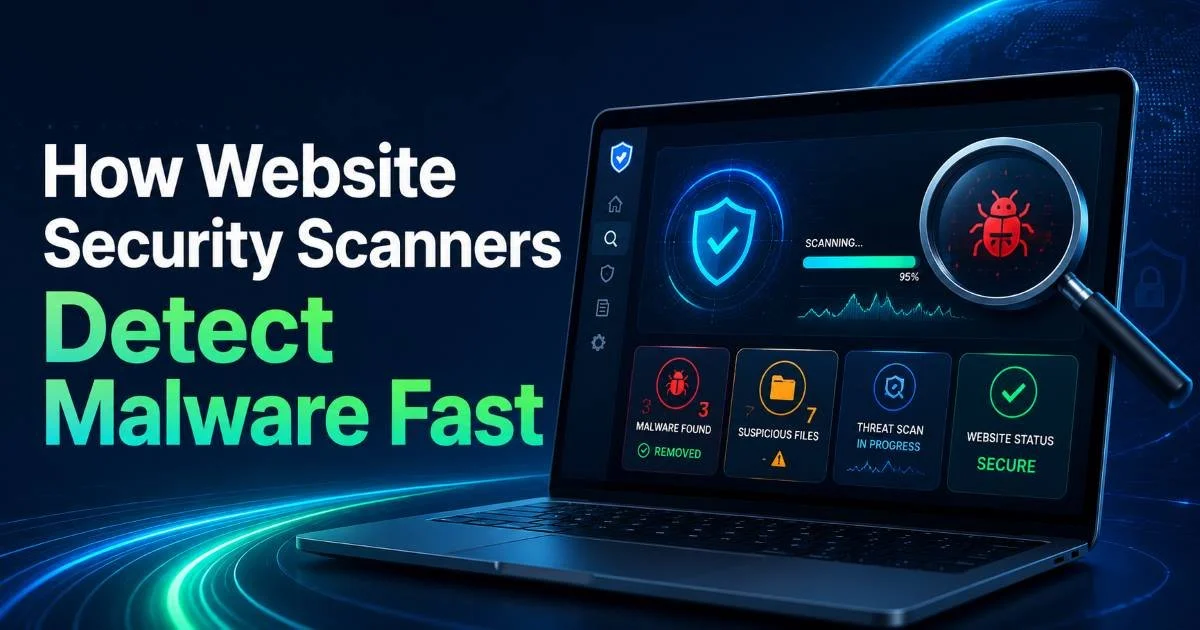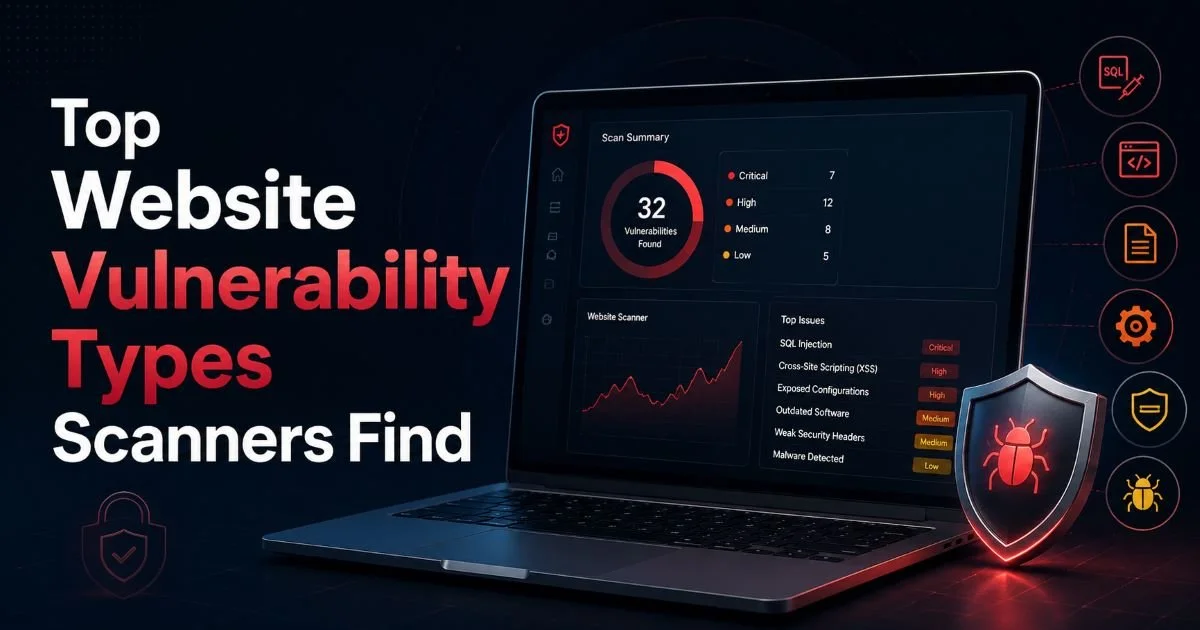
A website security scanner is a tool that automatically examines websites and web applications for vulnerabilities, misconfigurations, outdated software, and compliance failures, then reports findings with actionable remediation steps.
If you manage a website or software platform, understanding what these scanners do and how they work is no longer optional. The attack surface for modern web applications has expanded dramatically. Every exposed API endpoint, every misconfigured header, and every expired certificate represents a potential entry point for attackers.
Web developers and IT administrators face mounting pressure from both threat actors and regulatory bodies. A reliable website security scanner provides the systematic, repeatable assessment process that manual reviews simply cannot match. The stakes are real: IBM's 2024 Cost of a Data Breach report pegged the average breach cost at $4.88 million, with web application vulnerabilities accounting for a significant share of initial attack vectors.
Key Takeaways
- A website security scanner automates the detection of vulnerabilities, misconfigurations, and compliance gaps.
- Regular scanning catches SSL certificate issues before they cause browser warnings or outages.
- HTTP security headers are frequently misconfigured, creating preventable attack surfaces.
- Automated scans complement but never fully replace manual penetration testing and code review.
- Compliance frameworks like PCI DSS and SOC 2 increasingly require documented, periodic vulnerability scanning.
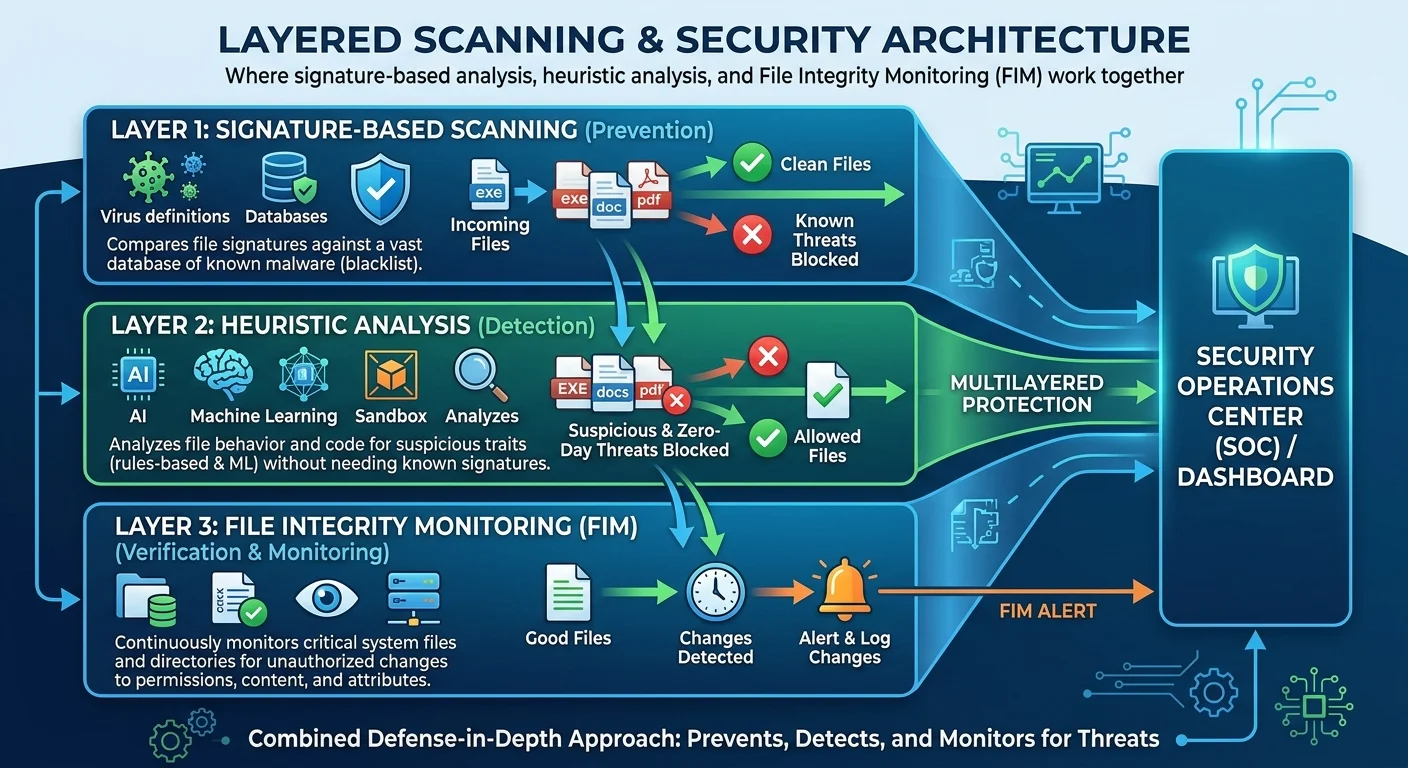
How a Website Security Scanner Works
Crawling and Discovery
The scanning process typically begins with automated crawling. The scanner navigates through your application much like a search engine bot would, following links, submitting forms, and cataloging every accessible page, endpoint, and resource. This discovery phase builds a map of your application's attack surface. Modern scanners go beyond simple link-following; they parse JavaScript, interact with single-page application frameworks, and identify dynamically generated content that older tools would miss entirely.
During crawling, the scanner also fingerprints the technology stack. It identifies the web server software, content management system, programming language, and third-party libraries in use. This information matters because known vulnerabilities are often tied to specific software versions. A scanner that detects you're running an outdated version of WordPress or an unpatched Apache server can immediately flag associated CVEs (Common Vulnerabilities and Exposures) without needing to actively exploit anything.
Configure your scanner to authenticate with valid credentials so it can test pages behind login screens, where many vulnerabilities hide.
Testing and Analysis
After mapping the application, the scanner moves into active testing. It sends crafted requests designed to probe for common vulnerability classes: SQL injection, cross-site scripting (XSS), server-side request forgery, directory traversal, and more. The scanner analyzes responses for telltale signs of weakness. For example, if injecting a single quote into a search field produces a database error message, that strongly suggests SQL injection is possible. Good scanners reduce false positives by validating findings through multiple test vectors.
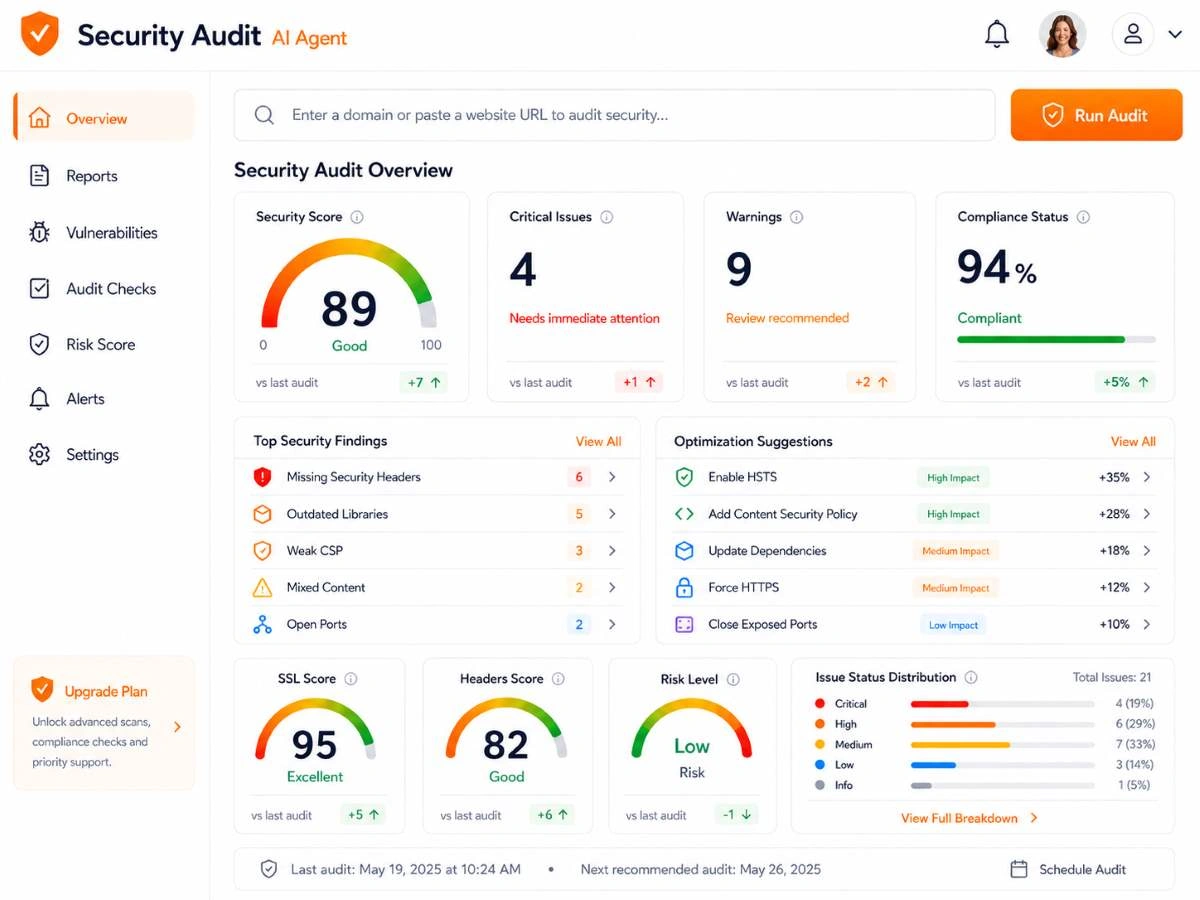
The final phase is report generation. Results are organized by severity, typically following CVSS (Common Vulnerability Scoring System) ratings. Each finding includes a description of the issue, evidence of its existence, the potential impact, and specific remediation guidance. AI-powered scanners, like those at SecurityAudit.dev, go further by providing contextual explanations tailored to your stack, making it faster for developers to understand and fix issues without wading through generic documentation.
What Scanners Actually Detect
SSL and Header Checks
One of the most straightforward yet frequently neglected areas is SSL/TLS configuration. An ssl certificate check validates that your certificate is current, properly chained, using strong cipher suites, and not vulnerable to known protocol attacks like POODLE or BEAST. Expired or misconfigured certificates don't just trigger browser warnings; they erode user trust and can break integrations with APIs and payment processors. Scanners test certificate validity, protocol versions, and cipher strength in seconds, catching problems that might otherwise surface as a 3 AM outage alert.
Equally important are http security headers. Headers like Content-Security-Policy, X-Content-Type-Options, Strict-Transport-Security, and X-Frame-Options instruct browsers on how to handle your content securely. Missing or misconfigured headers are among the most common findings in any website vulnerability scan. They're also among the easiest to fix, often requiring just a few lines in your server configuration. Yet a surprising number of production sites ship without them.
A valid SSL certificate alone does not mean your site is secure. Many phishing sites use valid certificates. Always check the full TLS configuration.
Vulnerability and Risk Identification
Beyond SSL and headers, a comprehensive website vulnerability scan probes for application-layer weaknesses. This includes testing for injection flaws, authentication bypass, insecure direct object references, and sensitive data exposure.
Exposed risk detection also covers publicly accessible admin panels, debug endpoints left active in production, open directory listings, and leaked credentials in source code comments. These are not theoretical concerns. Attackers routinely use automated tools to scan the entire internet for exactly these issues.
Real-world examples illustrate the point well. In 2023, a misconfigured .env file on a major e-commerce platform exposed database credentials to anyone who knew the URL pattern. Automated scanners would have flagged that exposed file within minutes of deployment. Similarly, a healthcare SaaS provider discovered through scanning that their staging environment, which contained real patient data, was accessible without authentication. These are the kinds of findings that a good website security scanner surfaces before attackers do.
"The goal of scanning isn't to find zero issues; it's to find them before someone else does."
Common Misconceptions About Security Scanning
The most persistent myth is that automated scanning replaces manual security testing. It does not. Scanners excel at breadth: testing thousands of pages and parameters quickly for known vulnerability patterns. But they struggle with business logic flaws, complex multi-step attack chains, and novel vulnerabilities that don't match existing signatures. A scanner won't catch that your password reset flow can be manipulated to take over arbitrary accounts if the logic flaw doesn't produce a recognizable error pattern. Manual penetration testing and code review remain necessary complements.
Another misconception is that scanning is a one-time activity. Security posture changes with every deployment, dependency update, and configuration change. A site that scanned clean last month might have new vulnerabilities today because a developer added a library with a known flaw, or because a server configuration was altered during a routine update. Effective security programs run scans continuously or at minimum before every production release. Treating scanning as an annual checkbox exercise gives you a false sense of safety.
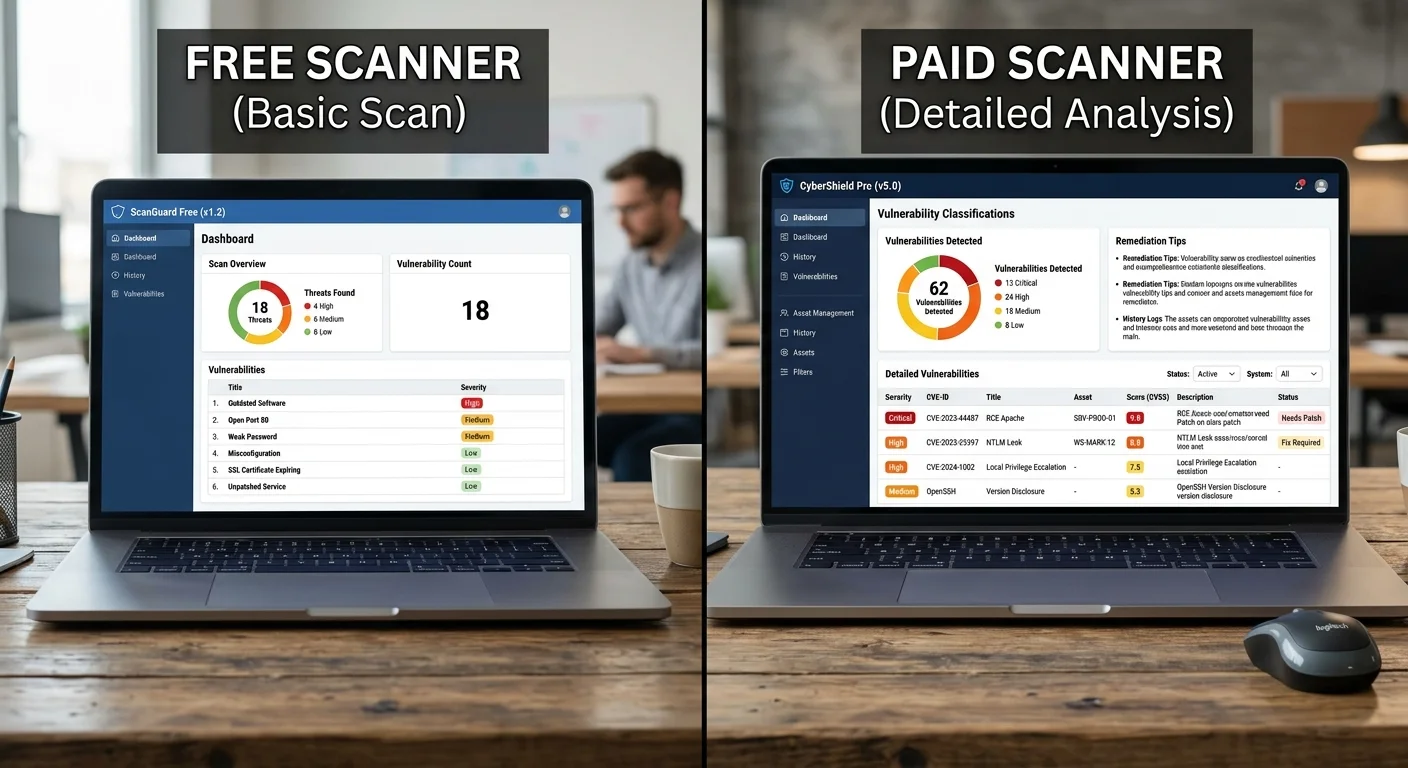
Free online scanners provide a useful first look but typically test only a fraction of what commercial or professional-grade tools cover.
Some administrators also believe that using a web application firewall (WAF) eliminates the need for scanning. WAFs filter malicious traffic at the network edge, which is valuable, but they don't fix underlying vulnerabilities. They can be bypassed through encoding tricks, novel payloads, or application-specific logic. Think of a WAF as a seatbelt: useful in a crash, but not a substitute for fixing the brakes. Scanning finds the root causes that WAFs merely mask.
Finally, there's the assumption that small sites don't need scanning because they're not "worth" attacking. Attackers use automated tools that don't discriminate by company size. A small business site running an outdated CMS plugin is often easier to compromise than a well-defended enterprise. Compromised small sites are frequently used for phishing campaigns, cryptocurrency mining, or as pivot points for attacking their visitors. Every public-facing site deserves regular assessment.
Scanning and Compliance Requirements
Regulatory frameworks have increasingly formalized vulnerability scanning requirements. A compliance security audit under PCI DSS, for instance, mandates quarterly external vulnerability scans performed by an Approved Scanning Vendor (ASV). SOC 2 Type II reports expect documented evidence of regular vulnerability management. HIPAA, while less prescriptive about specific tools, requires organizations to conduct risk assessments that practically necessitate automated scanning. Failing to meet these requirements can result in fines, loss of payment processing capabilities, or breach of contract with partners.
| Framework | Scanning Requirement | Frequency | Scope |
|---|---|---|---|
| PCI DSS | External vulnerability scan by ASV | Quarterly | Cardholder data environment |
| SOC 2 | Documented vulnerability management | Ongoing | In-scope systems |
| HIPAA | Technical risk assessment | Periodic | Systems handling PHI |
| GDPR | Appropriate technical measures | Regular | Personal data processing systems |
| ISO 27001 | Technical vulnerability management | Defined intervals | ISMS scope |
Beyond checking regulatory boxes, scan results serve as documentation of due diligence. If a breach occurs, having records of regular scanning, remediation timelines, and risk acceptance decisions demonstrates that your organization took reasonable steps to protect data. This documentation can influence regulatory penalties, insurance claims, and litigation outcomes. Scan reports aren't just technical artifacts; they're business records with legal weight.
Integration with development workflows amplifies the compliance benefit. When scanning runs as part of your CI/CD pipeline, every release is automatically checked against security baselines. Developers receive immediate feedback, and compliance teams get an audit trail showing that security was evaluated at each deployment. This shift-left approach, where security testing happens early and often, reduces the cost of remediation and the risk of deploying vulnerable code to production.
Export scan reports in standardized formats (PDF, CSV) and store them in your compliance documentation repository for audit readiness.
The intersection of scanning and compliance is growing tighter each year. New regulations like the EU's NIS2 directive and the SEC's cybersecurity disclosure rules in the United States explicitly reference continuous monitoring and timely vulnerability remediation. Organizations that build scanning into their operational rhythm today will be better positioned to meet tomorrow's requirements without scrambling. The tools are accessible, the guidance is clear, and the cost of inaction far exceeds the investment in proactive scanning.
Frequently Asked Questions
?How do I scan pages behind a login with a website security scanner?
?Can a website security scanner replace manual penetration testing?
?How often should I run a scan to meet PCI DSS or SOC 2 requirements?
?Why does my scanner report so many false positives on SQL injection checks?
Final Thoughts
A website security scanner is a foundational tool for any team responsible for web infrastructure. It won't catch everything, and it shouldn't be your only line of defense, but it provides the systematic, repeatable baseline that manual processes cannot deliver at scale.
Pair automated scanning with manual testing, strong development practices, and a commitment to acting on findings promptly. The organizations that treat scanning as a continuous discipline, rather than a periodic chore, are the ones that consistently stay ahead of both attackers and auditors. Start scanning, fix what you find, and scan again.
Disclaimer: Portions of this content may have been generated using AI tools to enhance clarity and brevity. While reviewed by a human, independent verification is encouraged.