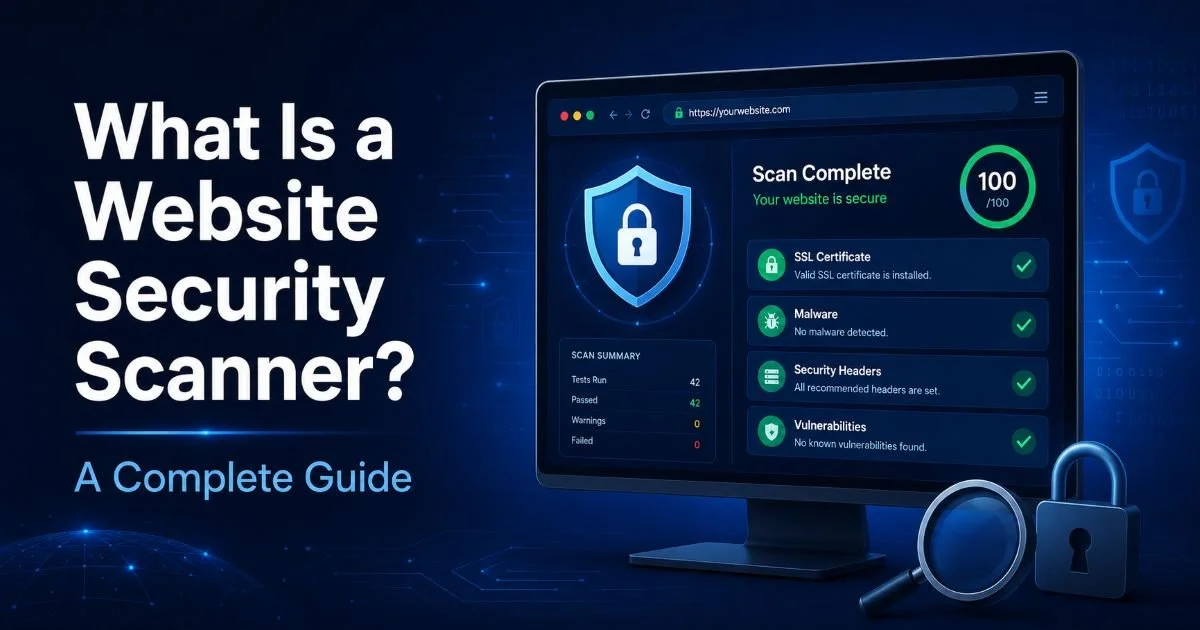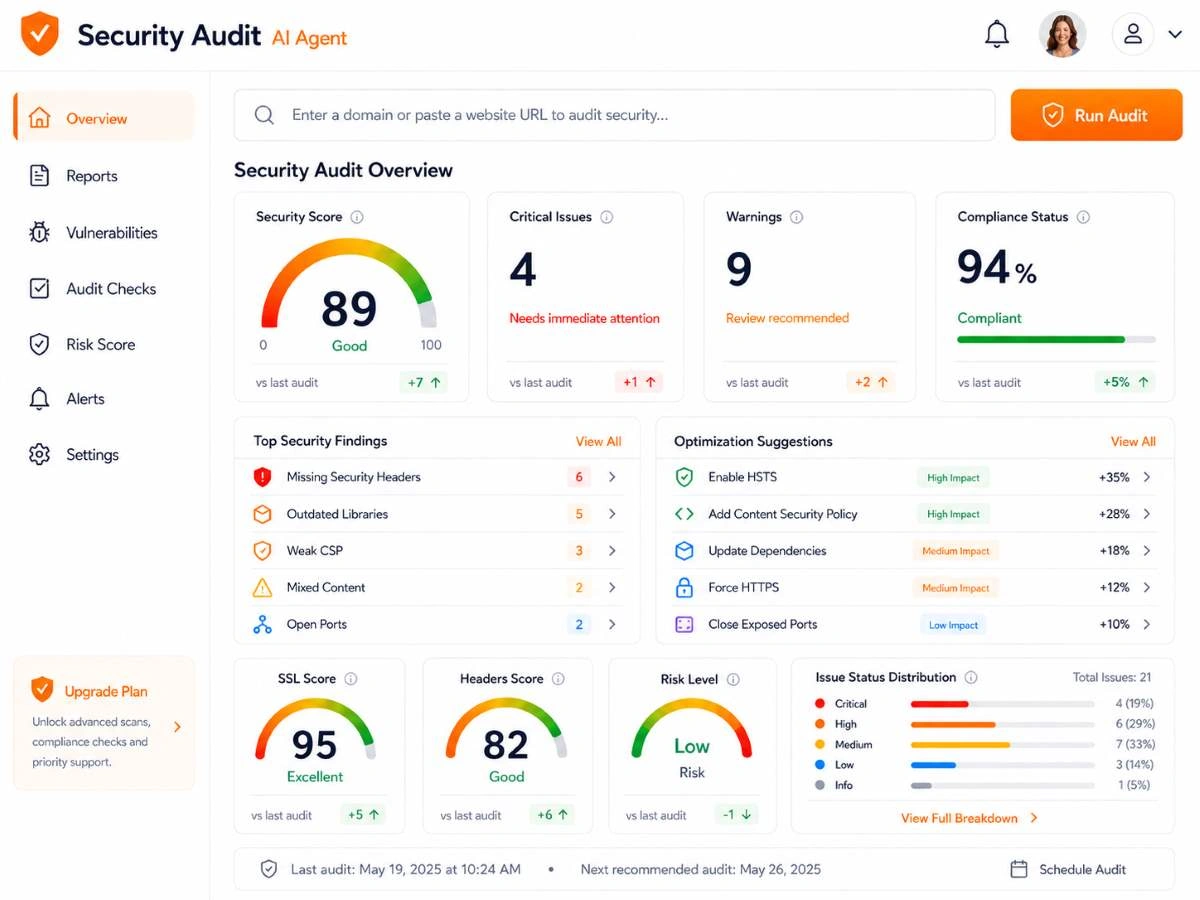
Understanding what is website security scanning is the first step toward protecting any web property from real-world threats. Whether you manage a personal blog or oversee infrastructure for a Fortune 500 company, the tools you choose for scanning directly impact your risk posture.
Free scanners have matured significantly over the past few years, but paid solutions continue to offer capabilities that free tools simply cannot match. This comparison breaks down the practical differences across detection accuracy, feature depth, support, and cost so you can make an informed decision.
For a thorough foundation on this topic, our complete guide to website security scanning covers the fundamentals every developer and administrator should know. The stakes are high: a single undetected vulnerability can lead to data breaches, regulatory fines, and lasting reputational damage. Let's put both sides under the microscope.
Key Takeaways
- Free scanners are excellent for surface-level checks but often miss complex, chained vulnerabilities.
- Paid tools typically include authenticated scanning, compliance reporting, and priority support.
- Detection accuracy varies widely; paid scanners average 90%+ versus 60 to 70% for free tools.
- Small businesses can start free, then upgrade as their attack surface grows.
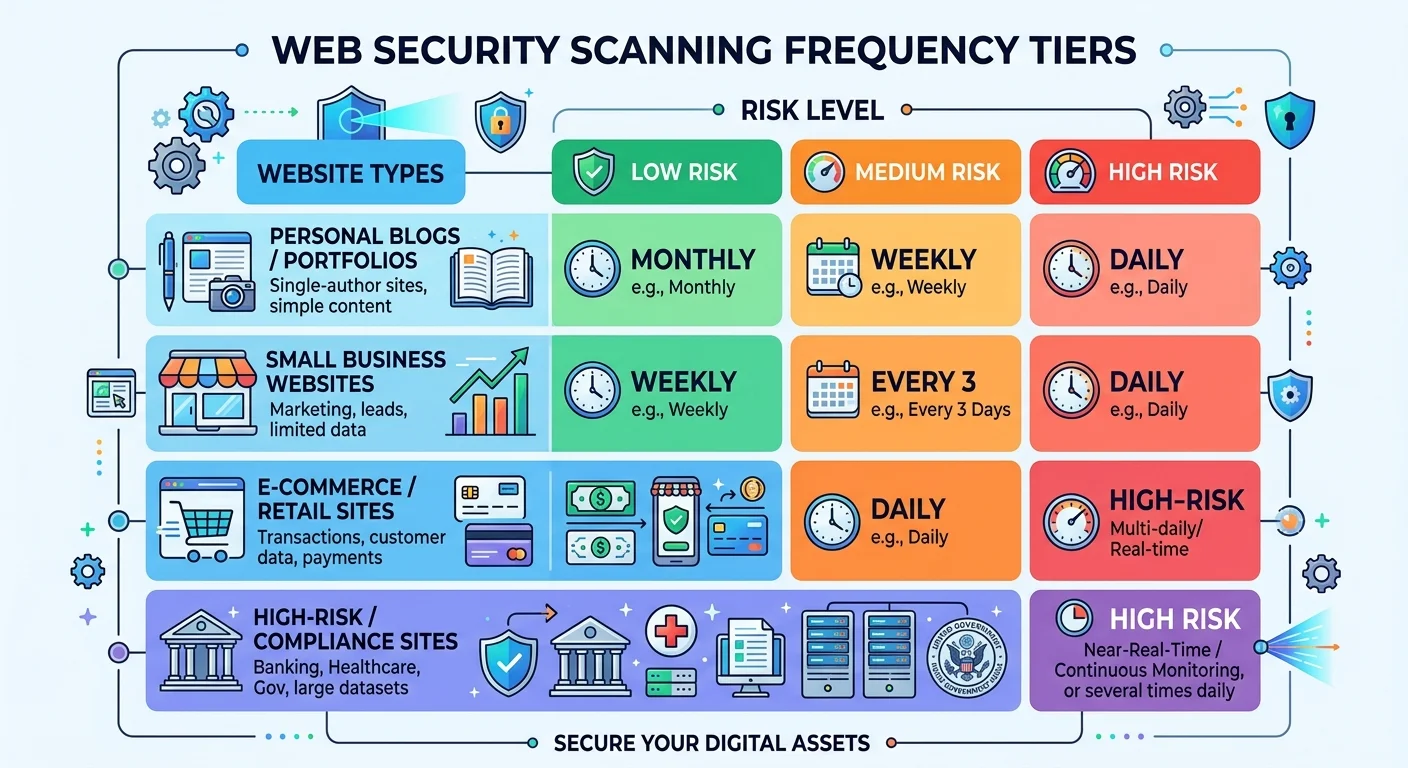
- Scan frequency matters as much as tool choice for maintaining strong security hygiene.
Detection Accuracy and Vulnerability Coverage
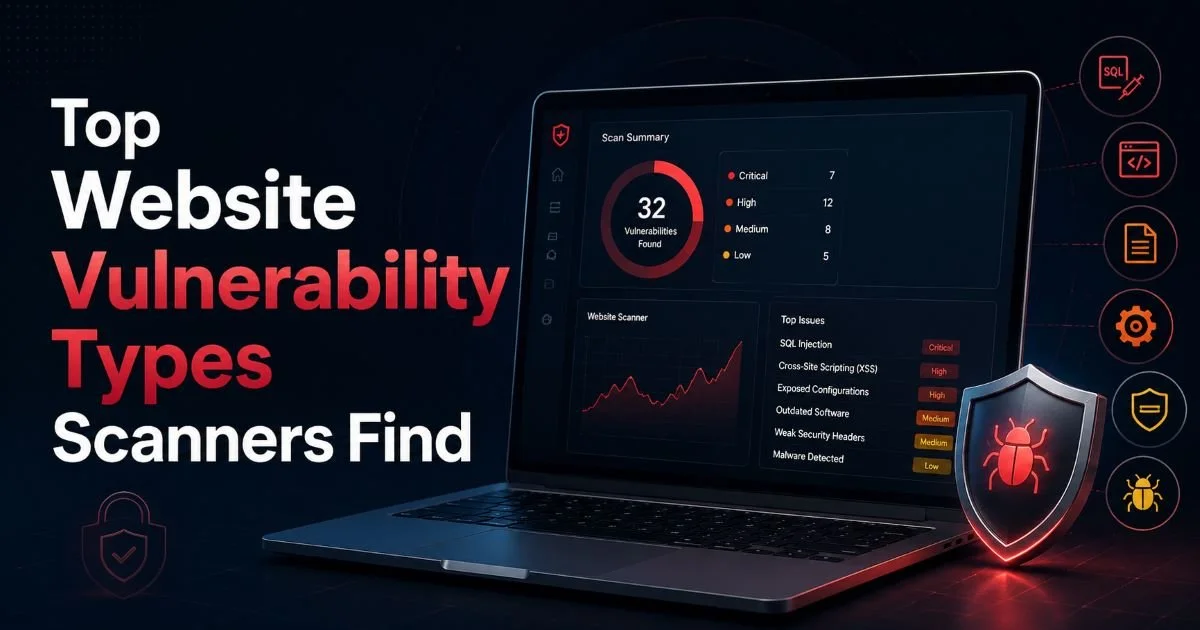
Detection accuracy is the single most important factor when evaluating any scanner. Free tools like OWASP ZAP, Nikto, and the Qualys FreeScan tier do a respectable job catching common issues such as missing security headers, outdated software versions, and basic cross-site scripting (XSS) patterns. They scan the surface well. But when vulnerabilities require multi-step exploitation chains or authenticated session access, free tools frequently fall short.
Paid scanners from vendors like Acunetix, Burp Suite Professional, and Invicti consistently outperform their free counterparts in head-to-head testing. They use advanced crawling engines that handle JavaScript-heavy single-page applications, API endpoints, and complex authentication flows. Independent testing by organizations like WAVSEP and Sectool Market shows paid tools detecting 90% or more of known vulnerability classes, compared to roughly 60 to 70% for free alternatives. That gap matters when your site processes customer payment data or personal information.
False Positives and Noise
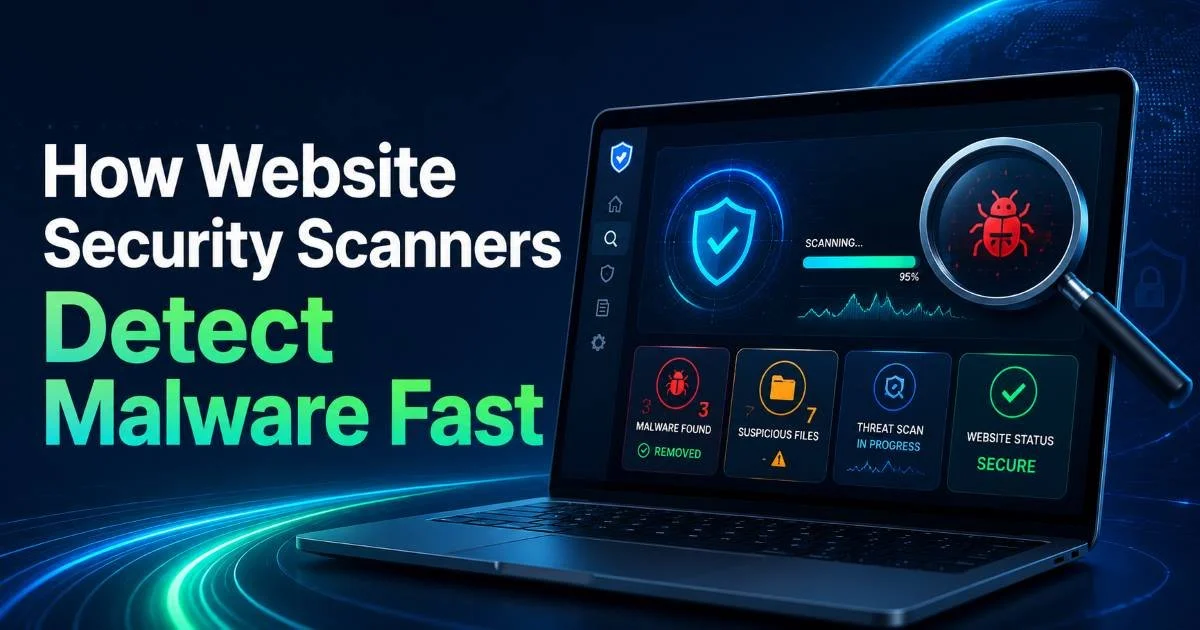
A scanner that generates hundreds of false positives wastes developer time and erodes trust in the tool. Free scanners are notorious for noisy output, reporting theoretical issues without confirming exploitability. Paid solutions invest heavily in verification engines that attempt to confirm whether a vulnerability is actually exploitable before flagging it. This difference alone can save an engineering team dozens of hours per month on triage. Understanding how website security scanners detect malware fast helps you evaluate which tools use intelligent verification versus simple pattern matching.
Run both a free and paid scanner on the same test environment, then compare reports side by side to evaluate noise levels before committing to a purchase.
The practical impact is significant. A development team receiving 300 alerts after a scan will behave very differently from one receiving 40 confirmed, prioritized findings. The second team ships patches faster and maintains confidence in the scanning process. If your current workflow already suffers from alert fatigue, this is a strong argument for upgrading to a paid tool with built-in false positive reduction.
Features, Integrations, and Workflow Fit
Beyond raw detection, features like scheduling, reporting templates, and integration with your existing toolchain determine whether a scanner actually gets used. Free tools often require manual invocation from the command line or a basic GUI. OWASP ZAP offers a decent desktop interface and supports some automation through its API, but you will need to build the integration yourself. Nikto provides no native scheduling at all, requiring cron jobs or external orchestration.
Paid platforms typically ship with native integrations for Jira, GitHub, GitLab, Jenkins, and Slack. This means scan results flow directly into your issue tracker, assigned to the right developer, with severity labels already applied. The time savings compound quickly across sprints. For teams practicing DevSecOps, this integration is not a nice-to-have; it is a prerequisite for keeping pace with release cycles. When thinking about how often these scans should run, our article on how often you should run website security scans offers practical scheduling guidance.
CI/CD Pipeline Support
Modern development teams deploy code multiple times per day. A scanner that cannot plug into a CI/CD pipeline becomes a bottleneck. Free tools can technically be scripted into pipelines, but this demands engineering effort to parse output, set failure thresholds, and maintain the integration over time. Paid tools like Snyk, Veracode, and Checkmarx provide pre-built pipeline plugins that block deployments when critical vulnerabilities are detected. This "shift-left" capability catches problems before they reach production.
Even the best paid scanner cannot replace manual penetration testing for business logic flaws. Use automated scanning as your baseline, not your ceiling.
Reporting is another dividing line. Free tools generate raw output (often in XML or plain text) that requires manual processing. Paid tools produce executive summaries, technical detail reports, and trend analysis over time. If you report to a board, a compliance auditor, or a client, polished reporting saves hours and projects professionalism. Building strong brand authority through strategic efforts requires demonstrating this kind of professional security practice to clients and stakeholders.
Support, Updates, and Compliance
When a free tool breaks after a browser update or fails to scan a new JavaScript framework, your only recourse is community forums and GitHub issues. Response times are unpredictable. With OWASP ZAP, the community is active, but there is no guaranteed SLA for bug fixes or feature requests. Nikto updates depend on volunteer contributors, and signature databases can lag behind newly disclosed CVEs by weeks or months.
Paid vendors offer dedicated support teams, often with response time guarantees. Acunetix provides 24/5 support with premium plans. Invicti assigns dedicated customer success managers for enterprise accounts. When a zero-day vulnerability like Log4Shell emerges, paid vendors push updated detection signatures within hours; free tools may take days or weeks. For organizations where downtime translates directly to revenue loss, this speed differential is worth the subscription cost alone.
Regulatory Reporting Capabilities
Compliance frameworks like PCI DSS, HIPAA, SOC 2, and GDPR increasingly require evidence of regular vulnerability scanning. Free tools rarely produce reports that map findings to specific compliance controls. Paid scanners often include pre-built compliance templates that auditors actually accept. Qualys, Tenable, and Rapid7 all offer PCI ASV (Approved Scanning Vendor) certification, which is a hard requirement for any business processing credit cards. Small business owners exploring website security scanning should weigh this compliance angle carefully, since a single failed PCI audit can mean fines or loss of payment processing privileges.
| Criteria | Free Scanners | Paid Scanners |
|---|---|---|
| Detection Rate | 60 to 70% | 90%+ |
| Authenticated Scanning | Limited | Full support |
| API Scanning | Basic or none | REST, GraphQL, SOAP |
| CI/CD Integration | Manual setup | Native plugins |
| Compliance Reports | Not available | PCI, HIPAA, SOC 2, GDPR |
| Support | Community forums | SLA-backed vendor support |
| False Positive Handling | Manual triage | Automated verification |
| Update Frequency | Community-driven | Vendor SLA (hours to days) |
Never rely solely on a free scanner for a site handling sensitive data. Regulatory bodies and auditors expect tools with verifiable detection methodologies.
Cost Analysis: What Is Website Security Scanning Worth to Your Organization?
Free scanners cost nothing upfront, which makes them attractive for bootstrapped startups and personal projects. OWASP ZAP is genuinely powerful for a zero-dollar tool, and it should be part of every security-conscious developer's toolkit regardless of budget. But "free" is misleading when you factor in the engineering hours required to configure, maintain, integrate, and triage results from these tools. A senior developer spending five hours per week managing scanner output at a loaded cost of $80 per hour means you are actually spending $400 per week, or roughly $20,000 per year, on your "free" scanner.
"The cheapest scanner is not always the least expensive solution when you account for the hidden labor costs of manual triage and integration."
Paid scanners range from $50 per month for basic cloud-hosted options to $30,000 or more annually for enterprise platforms. Mid-range tools like Detectify or HostedScan sit around $150 to $500 per month and cover the needs of most small to mid-size teams. These platforms include the scheduling, integration, verification, and reporting capabilities that would cost far more to build and maintain in-house around a free tool.
Hidden Costs of Going Free
Beyond labor, free tools carry hidden risks. A missed vulnerability that leads to a breach carries an average cost of $4.45 million according to IBM's 2023 Cost of a Data Breach Report. Even a minor breach affecting a small business can result in $50,000 to $150,000 in incident response, legal fees, and customer notification costs. Compared to these figures, a $5,000 annual scanner subscription is a rounding error. The complete guide to what is website security scanning emphasizes that return on investment should always factor in breach prevention, not just subscription price.
For organizations managing ten or more web applications, the math shifts even further toward paid tools. Enterprise licenses typically cover unlimited or high-volume scanning, meaning the per-application cost drops dramatically at scale. Free tools, by contrast, require the same manual effort per application, so costs scale linearly with your portfolio size. If your attack surface is growing, your scanning strategy needs to grow with it.
Start with free tools during development and staging. Invest in a paid scanner for production environments where the cost of a missed vulnerability is highest.

Frequently Asked Questions
?How do I get OWASP ZAP to scan authenticated areas of my site?
?Is Burp Suite Professional worth the cost over the free Community Edition?
?How much developer time do false positives from free scanners actually waste?
?Does running scans less frequently make a free scanner good enough?
Final Thoughts
Free and paid website security scanning tools serve different needs at different stages of organizational maturity. Free scanners like OWASP ZAP remain excellent learning tools and useful for quick checks during development. Paid scanners are the right investment when accuracy, compliance, integration, and support become non-negotiable requirements.
For most professional teams, the combination of a free tool in development and a paid scanner in production offers the strongest balance of coverage and cost efficiency. Choose based on your actual risk exposure, not just your budget line item.
Disclaimer: Portions of this content may have been generated using AI tools to enhance clarity and brevity. While reviewed by a human, independent verification is encouraged.