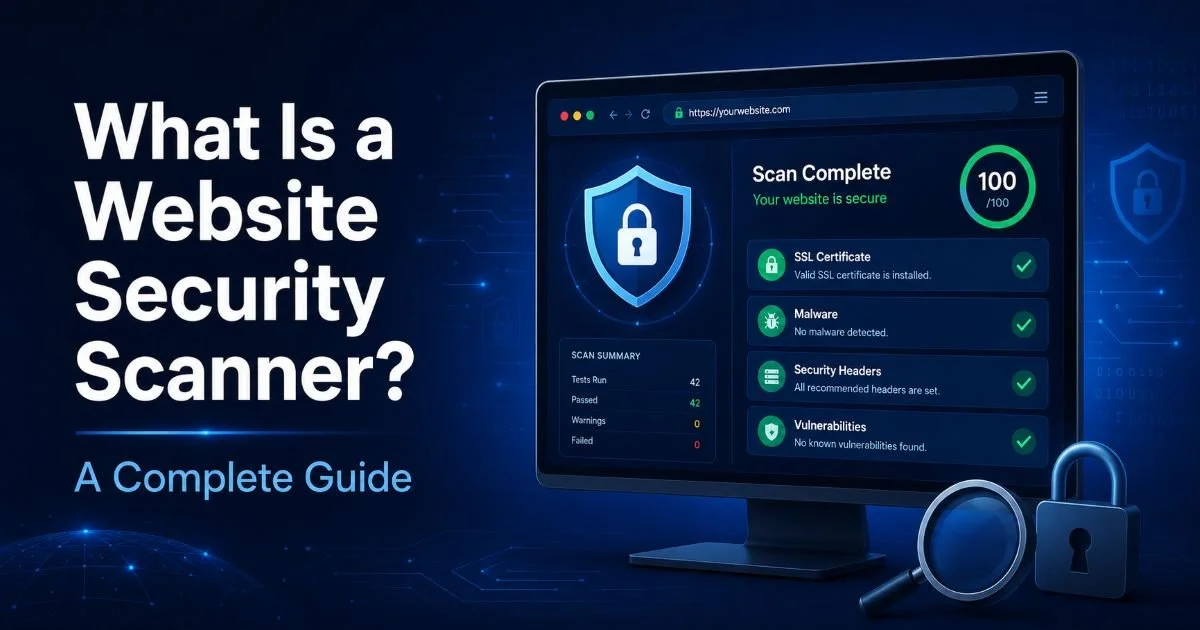
Understanding what is website security scanning (a complete guide to frequency, timing, and methodology) is the foundation of any serious web defense strategy. Yet most developers and IT administrators get the frequency question wrong.
They either scan too rarely, treating it as an annual checkbox, or they scan obsessively without acting on results. I've watched organizations suffer breaches not because they lacked scanning tools, but because they scanned on the wrong schedule.
The stakes are real: the average cost of a data breach hit $4.45 million, and most exploited vulnerabilities were known weeks or months before the attack. If you're managing websites, the question isn't whether to scan. It's how often, and my answer will probably challenge what you're currently doing.
Key Takeaways
- Weekly automated scans should be the absolute minimum for any production website.
- Every code deployment or plugin update should trigger an immediate on-demand scan.
- High-traffic e-commerce and financial sites need daily scanning without exception.
- Quarterly manual penetration testing catches what automated scanners consistently miss.
- Scanning without a remediation workflow is theater, not security.
Why Most Scanning Schedules Fail
The typical scanning schedule at most organizations is shockingly inadequate. A survey found that 60% of small and mid-sized businesses scan their websites less than once a month. Many only scan when their hosting provider forces them to, or when a compliance audit approaches. This reactive posture is like checking your smoke detectors only after you smell fire. Attackers don't wait for your quarterly review cycle, and neither should your scanning tools.
The root problem is a misunderstanding of threat velocity. New vulnerabilities are disclosed daily. The National Vulnerability Database recorded over 25,000 CVEs in 2023 alone. If you're scanning monthly, that's potentially 2,000 new vulnerabilities between each scan. Any one of them could affect your WordPress plugins, your Node.js dependencies, or your server configuration. The window of exposure matters enormously, and monthly scanning leaves it wide open.
The Compliance Trap
PCI DSS requires quarterly scans, and many teams treat that as sufficient. It's not. Compliance requirements represent the floor, not the ceiling. PCI DSS was designed to establish a baseline across millions of merchants; it was never intended to be a comprehensive security strategy. Organizations that scan only quarterly to satisfy auditors are optimizing for paperwork instead of protection. I've seen PCI-compliant sites get breached between scan cycles because nobody thought to check after a major CMS update.
Compliance-driven scanning also breeds a dangerous complacency. Teams check the box, file the report, and move on until next quarter. Meanwhile, threat actors are scanning your site continuously using automated tools that probe thousands of targets per hour. The asymmetry is staggering. If you want to understand the full landscape of scanning types and what they catch, our complete guide to website security scanning covers the fundamentals thoroughly.
Treating PCI DSS quarterly scanning requirements as your total security strategy leaves dangerous gaps between assessments.
The Right Scanning Frequency for Your Site
Not every website needs the same scanning cadence. A personal blog with no user data and no e-commerce functionality faces different risks than a SaaS platform handling financial transactions. The right frequency depends on three factors: the sensitivity of data you handle, how frequently your codebase changes, and how much traffic (and therefore attacker attention) your site receives. Getting this calculus right is where experienced administrators separate themselves from the pack.
| Website Type | Minimum Frequency | Recommended Frequency | Trigger-Based Scans |
|---|---|---|---|
| Personal Blog | Monthly | Weekly | After plugin updates |
| Small Business Site | Weekly | Twice weekly | After any deployment |
| E-commerce Store | Daily | Daily + continuous monitoring | After every change |
| SaaS Application | Daily | Continuous | Every CI/CD pipeline run |
| Financial Services | Daily | Continuous + real-time WAF | Every change, every dependency update |
For small business owners, weekly scanning is the starting point I recommend. It balances resource constraints against real-world threat timelines. Most exploit kits take 7 to 14 days to weaponize a newly disclosed vulnerability, so weekly scans give you a fighting chance to patch before attacks peak. If you're running an e-commerce operation, though, daily is non-negotiable. You're handling payment data, and attackers know it.
Event-Driven Scanning
Beyond scheduled scans, every significant change to your website should trigger an immediate scan. This includes code deployments, plugin or dependency updates, server configuration changes, and even DNS modifications. Event-driven scanning catches misconfigurations at the moment they're introduced, before they reach production traffic. Modern CI/CD pipelines make this straightforward; integrating a security scan into your deployment workflow adds minutes but prevents catastrophic exposures.
Add a security scan step to your CI/CD pipeline that blocks deployment if critical vulnerabilities are detected.
Consider the 2023 MOVEit breach, where a known vulnerability was exploited within days of disclosure. Organizations with continuous or daily scanning detected the issue quickly. Those relying on monthly or quarterly scans were caught flat-footed, some discovering the breach only after data had already been exfiltrated. Event-driven scanning would have flagged the vulnerable component the moment it appeared in any updated deployment.
What Is Website Security Scanning? Complete Guide to Layered Approaches
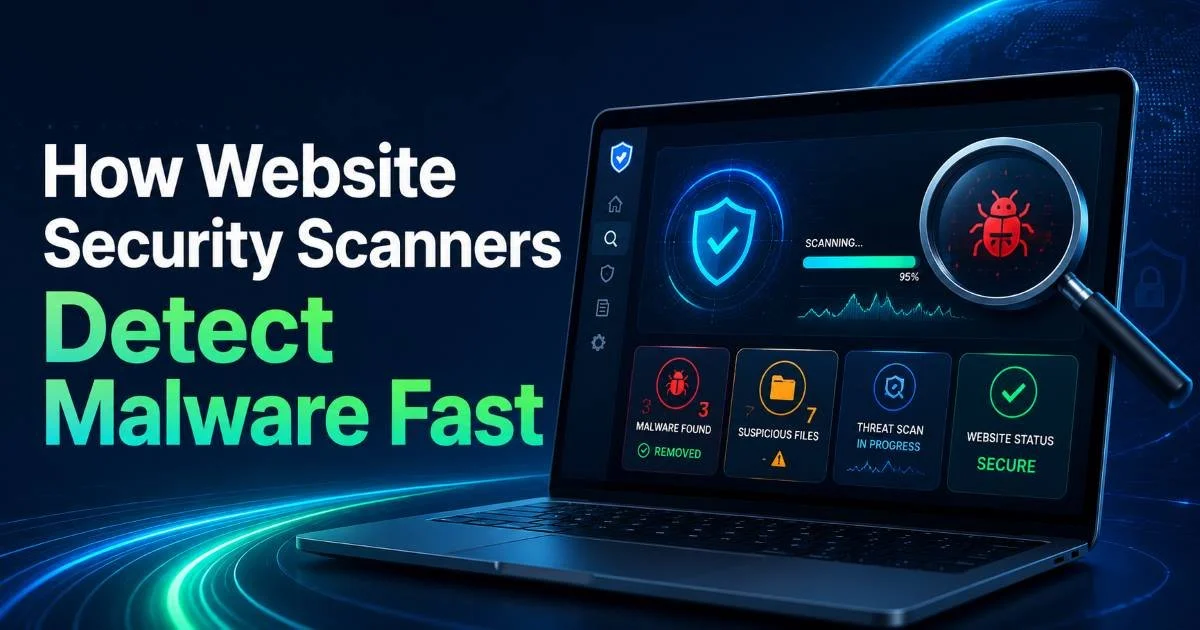
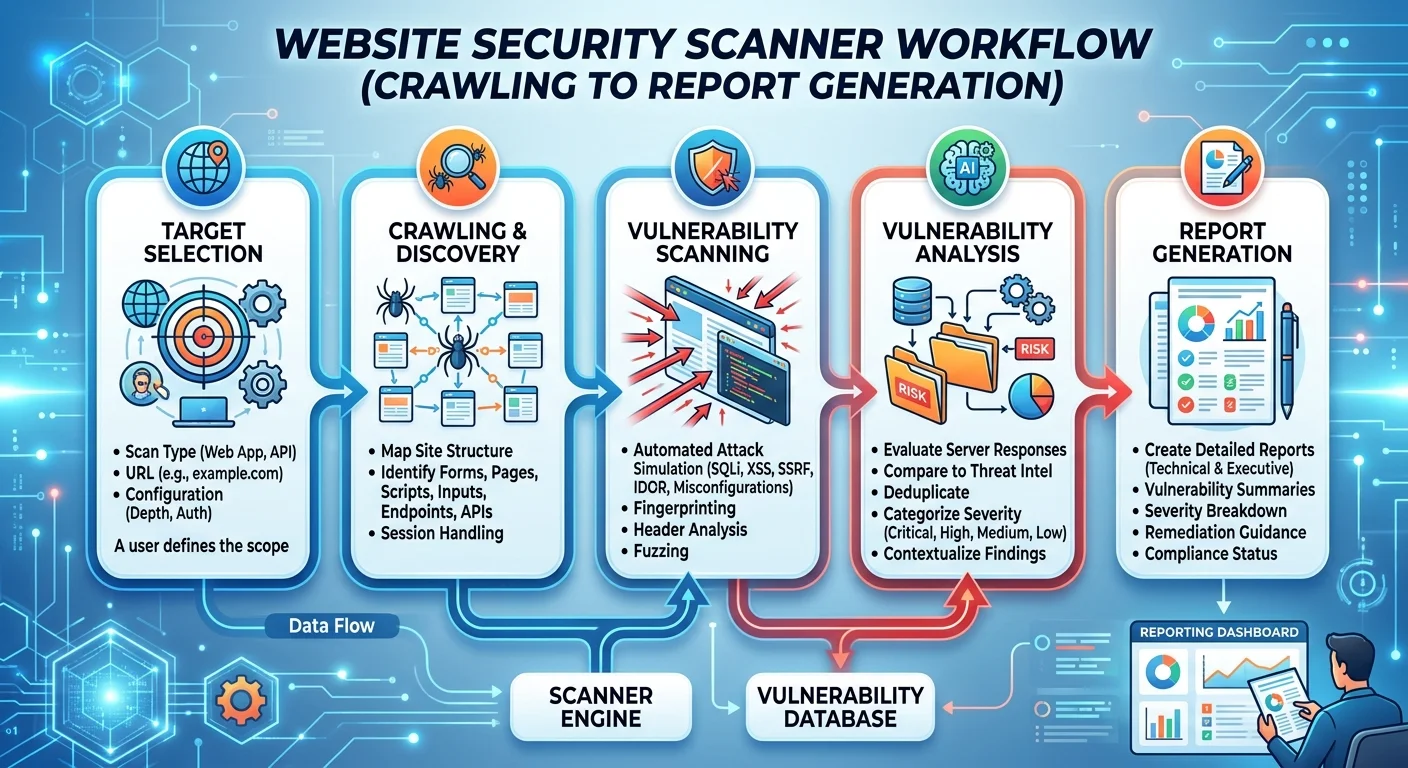
Frequency alone doesn't solve the problem. What you scan for, and how you scan, matters just as much. A comprehensive approach layers multiple scan types at different intervals. Automated vulnerability scanners run daily or weekly to catch known issues. Dynamic application security testing (DAST) simulates attacks against running applications. Static analysis (SAST) reviews source code before deployment. Understanding how security scanners detect malware helps you appreciate why no single tool covers everything.
Automated vs. Manual Balance
Automated scans are fast and consistent, making them ideal for frequent scheduled runs. But they have blind spots. Business logic flaws, complex authentication bypasses, and chained attack vectors typically require human testers. That's why I recommend quarterly manual penetration testing on top of your automated scanning schedule. The two approaches are complementary, not interchangeable. When evaluating your options, comparing free vs. paid scanning tools can help you allocate budget wisely.
The counterargument I hear most often is cost. "We can't afford to scan that frequently." My response: you can't afford not to. The average time to identify a breach is 204 days, according to IBM's 2023 report. Every day a vulnerability sits undetected is a day an attacker can exploit it. The math favors frequent, layered scanning over infrequent deep dives. Even free automated tools running weekly are better than expensive penetration tests done once a year with nothing in between.
"The window between vulnerability disclosure and active exploitation is shrinking every year, and your scanning schedule must shrink with it."
SSL certificate monitoring, HTTP security header checks, and content integrity verification should also run on every scan cycle. These aren't glamorous checks, but misconfigured headers and expired certificates remain among the most common issues found in audits. Similarly, if your site serves mobile users (and it almost certainly does), security scanning and mobile SEO best practices both benefit from regular automated review cycles that keep configurations tight.
Building a Scan Schedule That Actually Works
Here is my recommended framework, built from years of managing security operations across dozens of web properties. Start with daily automated lightweight scans: SSL checks, uptime monitoring, known malware signatures, and header validation. Layer weekly comprehensive vulnerability scans that test for OWASP Top 10 issues, outdated dependencies, and configuration drift. Add monthly deeper DAST assessments and quarterly manual penetration tests. This cadence covers both breadth and depth without overwhelming your team.
The schedule only works if results feed into a remediation pipeline. I cannot stress this enough. Scanning generates findings; humans fix them. If your scan reports pile up in an email inbox, you've wasted the effort entirely. Every scan should route findings into your ticketing system with assigned owners and SLA-based deadlines. Critical vulnerabilities get 24-hour remediation windows. High-severity issues get one week. Medium issues get 30 days. This structure transforms scanning from a passive activity into an active defense mechanism.
Making Results Actionable
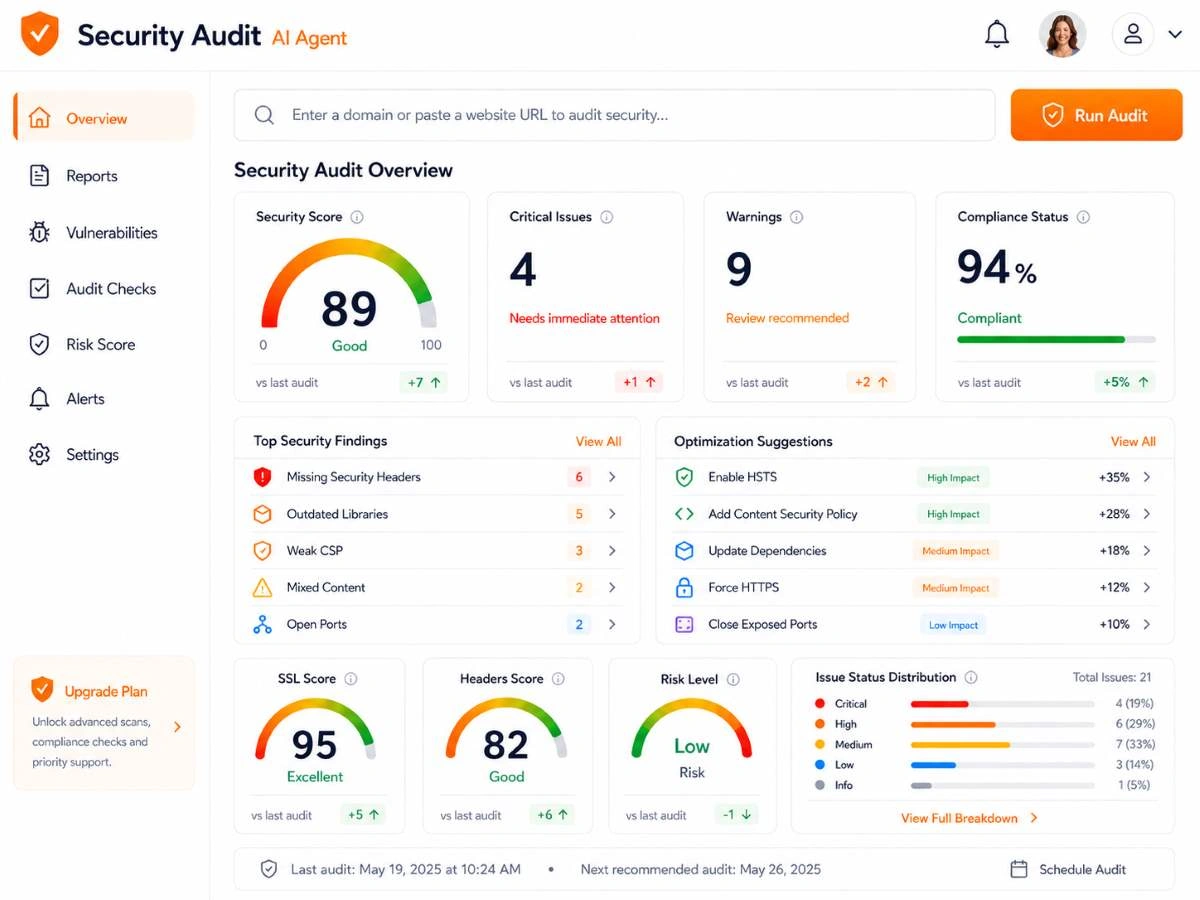
Prioritization is the skill that separates effective security teams from overwhelmed ones. Not every finding is equally urgent. A critical SQL injection vulnerability on a public-facing login page demands immediate attention. An informational finding about a missing X-Content-Type-Options header is worth fixing but won't keep you up at night. Use CVSS scores as a starting framework, then adjust based on your specific context: is the affected component internet-facing? Does it handle sensitive data? Is there a known exploit in the wild?
Finally, track your metrics over time. The number of new vulnerabilities found per scan, your mean time to remediation, and the ratio of recurring versus new findings all tell a story about your security posture. If recurring findings keep appearing, your patching process is broken. If new findings spike after a deployment, your pre-deployment scanning needs strengthening. These metrics turn scanning from a checkbox into a continuous improvement engine that actually protects your infrastructure.
Document your scanning schedule and remediation SLAs in writing so the process survives team turnover and organizational changes.
Frequently Asked Questions
?How do I trigger a scan automatically after a plugin update?
?Is daily scanning overkill for a small blog versus an e-commerce site?
?How much time does quarterly manual penetration testing actually take?
?Why is scanning monthly while staying PCI-compliant still risky?
Final Thoughts
The right scanning frequency isn't a number you pick once and forget. It's a dynamic decision that reflects your risk profile, your rate of change, and the current threat landscape.
Weekly automated scans are my firm minimum for any production site, with daily scans for anything handling sensitive data. Layer in event-driven scans for every deployment and quarterly manual testing for depth.
The organizations that get breached aren't usually the ones without tools; they're the ones that scanned too rarely and acted too slowly on what they found.
Disclaimer: Portions of this content may have been generated using AI tools to enhance clarity and brevity. While reviewed by a human, independent verification is encouraged.