What is website security scanning? This complete guide breaks it down for small business owners who need practical, actionable steps to protect their online presence. If you run a small business website, you're a target. Attackers don't discriminate by company size; they scan the internet for vulnerabilities indiscriminately, and smaller sites often have weaker defenses.
A single breach can expose customer data, damage your reputation, and cost thousands in recovery. The good news is that website security scanning doesn't require a dedicated IT team or a massive budget. With the right approach, you can identify and fix vulnerabilities before they become problems.
This guide walks you through exactly how to do that, step by step.
Key Takeaways
- Website security scanning identifies vulnerabilities before attackers can exploit them on your site.
- Small businesses are frequent targets because they often lack basic security configurations.
- Free scanning tools provide a solid starting point, but paid tools offer deeper analysis.
- Running scans on a regular schedule catches new vulnerabilities introduced by updates or changes.
- Fixing issues found during scans is just as important as running the scans themselves.

Step 1: Understand What Security Scanning Covers
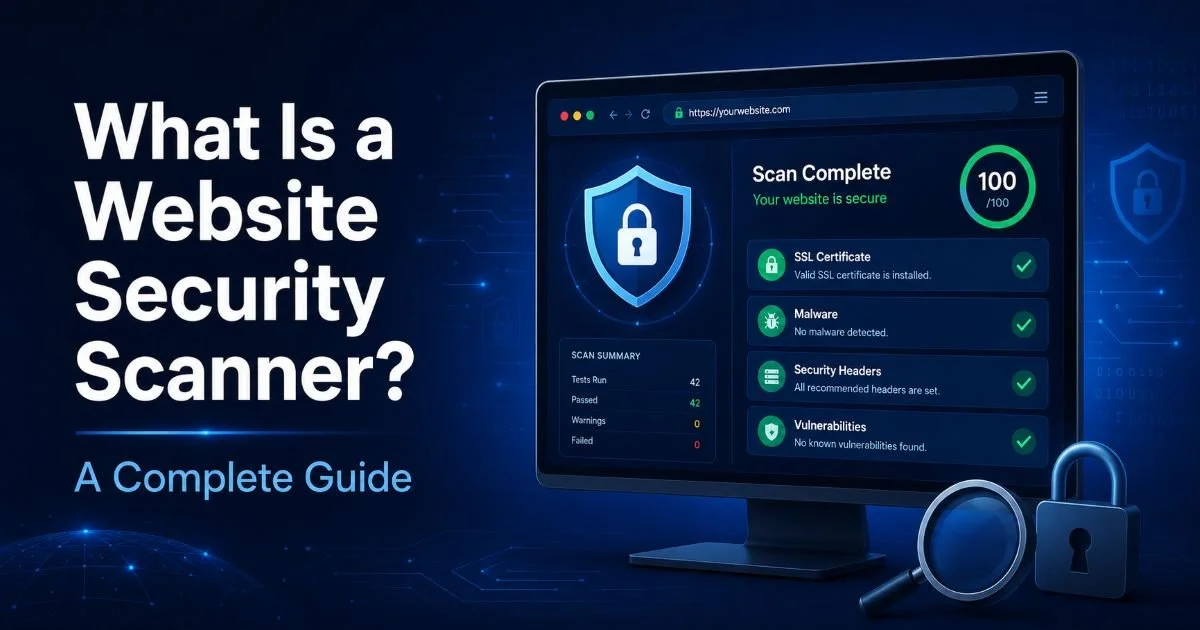
Before you run any tool, you need to understand what website security scanning actually examines. At its core, a security scan probes your website for known vulnerabilities, misconfigurations, outdated software, and exposed sensitive data. Think of it as a health checkup for your website. If you want a deeper primer on the fundamentals, our guide on what is website security scanning covers the full landscape. For now, know that scanning touches everything from your SSL certificate to your HTTP headers to your application code.
A typical scan checks for issues like SQL injection vulnerabilities, cross-site scripting (XSS) flaws, insecure cookies, missing security headers, and outdated CMS plugins. These aren't exotic attack vectors. They're the bread and butter of real-world breaches. The 2023 Verizon Data Breach Investigations Report found that web application attacks accounted for a significant share of breaches, and most exploited known, patchable vulnerabilities. Small business sites running WordPress, Shopify, or custom PHP applications are all susceptible.
Types of Scans You Should Know
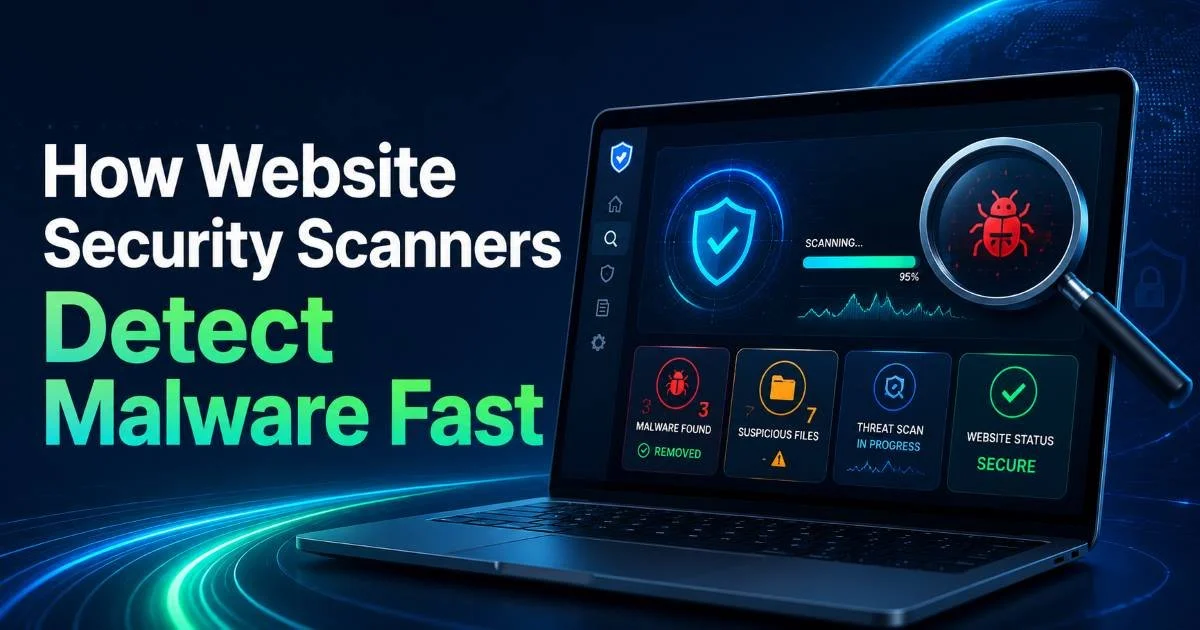
There are several categories of scans. External scans check what an attacker sees from the outside: open ports, exposed admin panels, SSL weaknesses. Internal scans look at server-side configurations and file integrity. Malware scans specifically hunt for injected code or backdoors. You can also learn more about how website security scanners detect malware fast to understand the detection mechanisms behind the scenes. For most small businesses, starting with external and malware scans covers the highest-risk areas.
Compliance scans are another category worth noting. If you handle credit card data, PCI DSS requires quarterly vulnerability scans from an approved scanning vendor. Even if you're not subject to PCI, running compliance-oriented scans helps you align with security best practices. Understanding these scan types helps you choose the right tool and configure it properly, which brings us to the next step.
Not all scanners check the same things. Read the feature list carefully before relying on any single tool.
Step 2: Choose the Right Scanning Tools for Your Business
Choosing a scanner is where many small business owners get stuck. The market ranges from free, browser-based tools to enterprise-grade platforms costing thousands per year. Your choice depends on your technical comfort level, your budget, and the complexity of your website. A static brochure site has different needs than an e-commerce platform processing hundreds of transactions daily. Start by listing what you need scanned: SSL configuration, headers, malware, application vulnerabilities, or all of the above.
For a thorough comparison of your options, take a look at our breakdown of free vs paid website security scanning tools compared. Free tools like the scanner at SecurityAudit.dev are excellent for initial assessments. They'll flag missing security headers, SSL problems, and common misconfigurations quickly. Paid tools add features like scheduled scans, authenticated testing (scanning behind login pages), and detailed remediation guidance. Many small businesses find that a combination works well: a free tool for routine checks and a paid tool for quarterly deep dives.
Free vs. Paid Considerations
| Feature | Free Tools | Paid Tools |
|---|---|---|
| SSL/TLS Checks | Yes | Yes |
| Security Header Analysis | Yes | Yes |
| Malware Detection | Basic | Advanced (signature + behavioral) |
| Authenticated Scanning | Rarely | Yes |
| Scheduled/Automated Scans | Limited | Yes |
| Remediation Guidance | Generic | Detailed, prioritized |
| Compliance Reporting | No | PCI, OWASP, HIPAA reports |
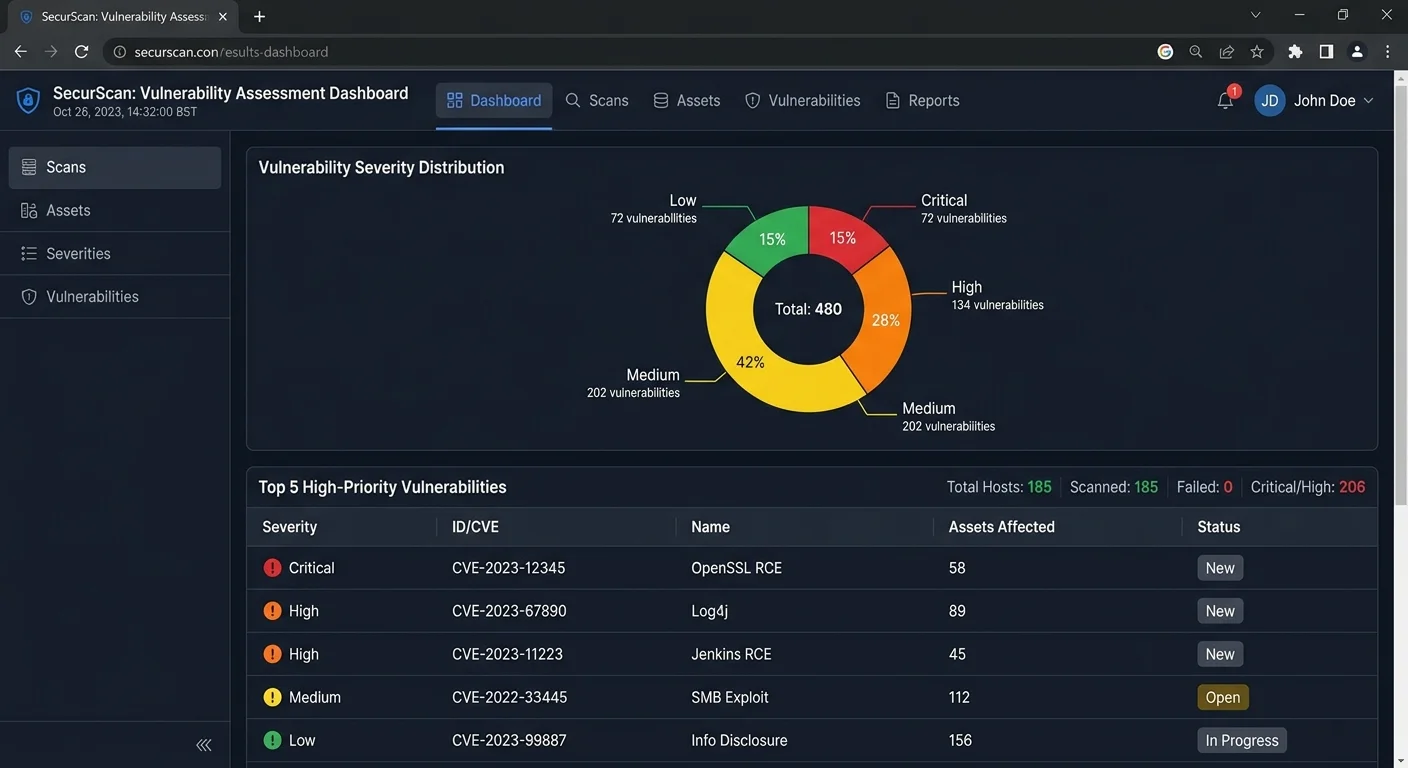
When evaluating tools, pay attention to false positive rates. A scanner that flags everything as critical quickly becomes noise. Good tools assign severity ratings (critical, high, medium, low) and provide context for each finding. You want a tool that helps you prioritize, not one that overwhelms you. Also verify that the tool checks against current vulnerability databases. Outdated signature databases miss recently discovered threats, which defeats the purpose of scanning.
Start with a free scan to establish your baseline. Then evaluate whether a paid tool fills gaps you can't address otherwise.
Don't overlook the importance of following website best practices alongside your scanning efforts. Scanning identifies problems, but solid development and configuration practices prevent many issues from appearing in the first place. Strong password policies, regular updates, and proper access controls reduce your attack surface before a scanner even runs.
Step 3: Run Your First Security Scan and Interpret Results
With your tool selected, it's time to run your first scan. For most web-based scanners, this is straightforward: enter your URL, hit scan, and wait. A basic scan typically takes between 30 seconds and five minutes depending on site complexity. If you're using a more comprehensive tool, you may need to verify domain ownership first (usually by adding a DNS record or uploading a verification file). This prevents people from scanning sites they don't own.
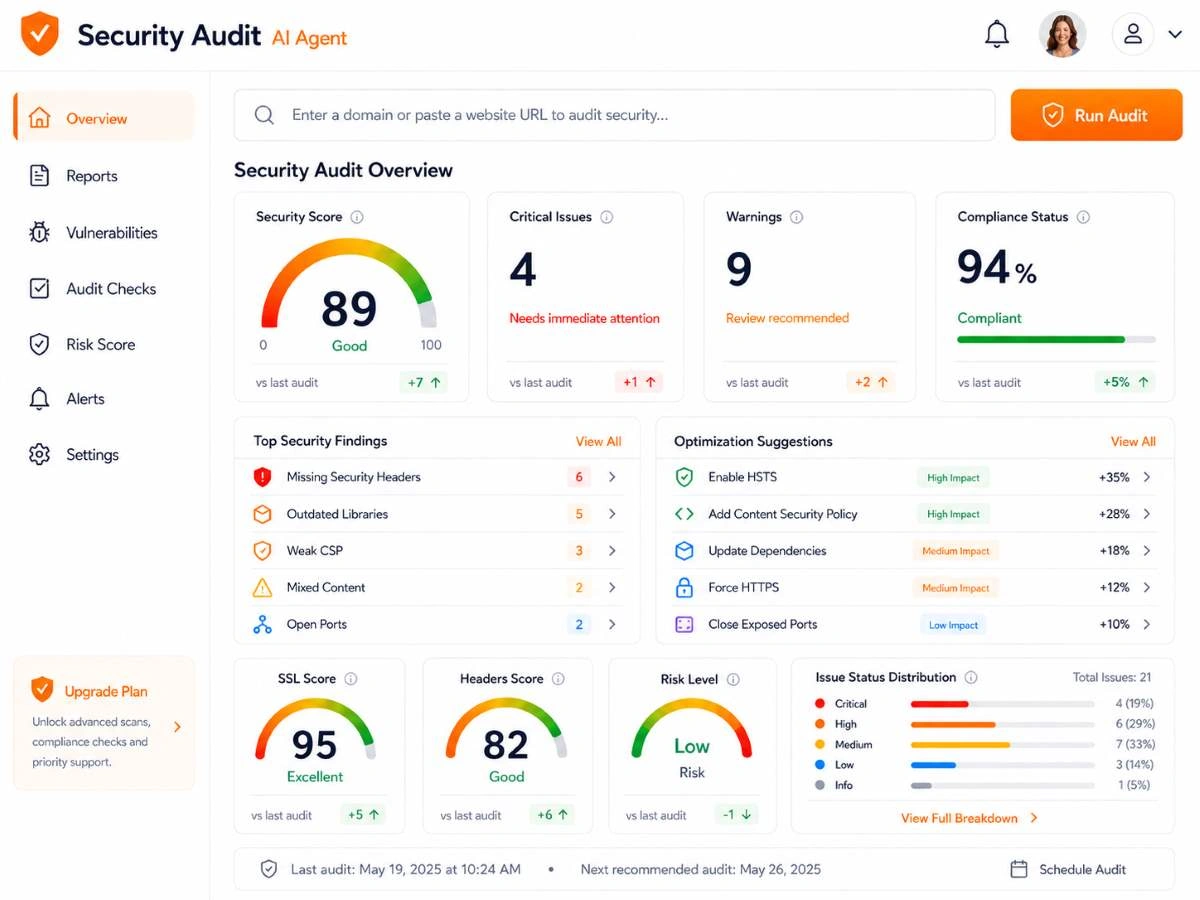
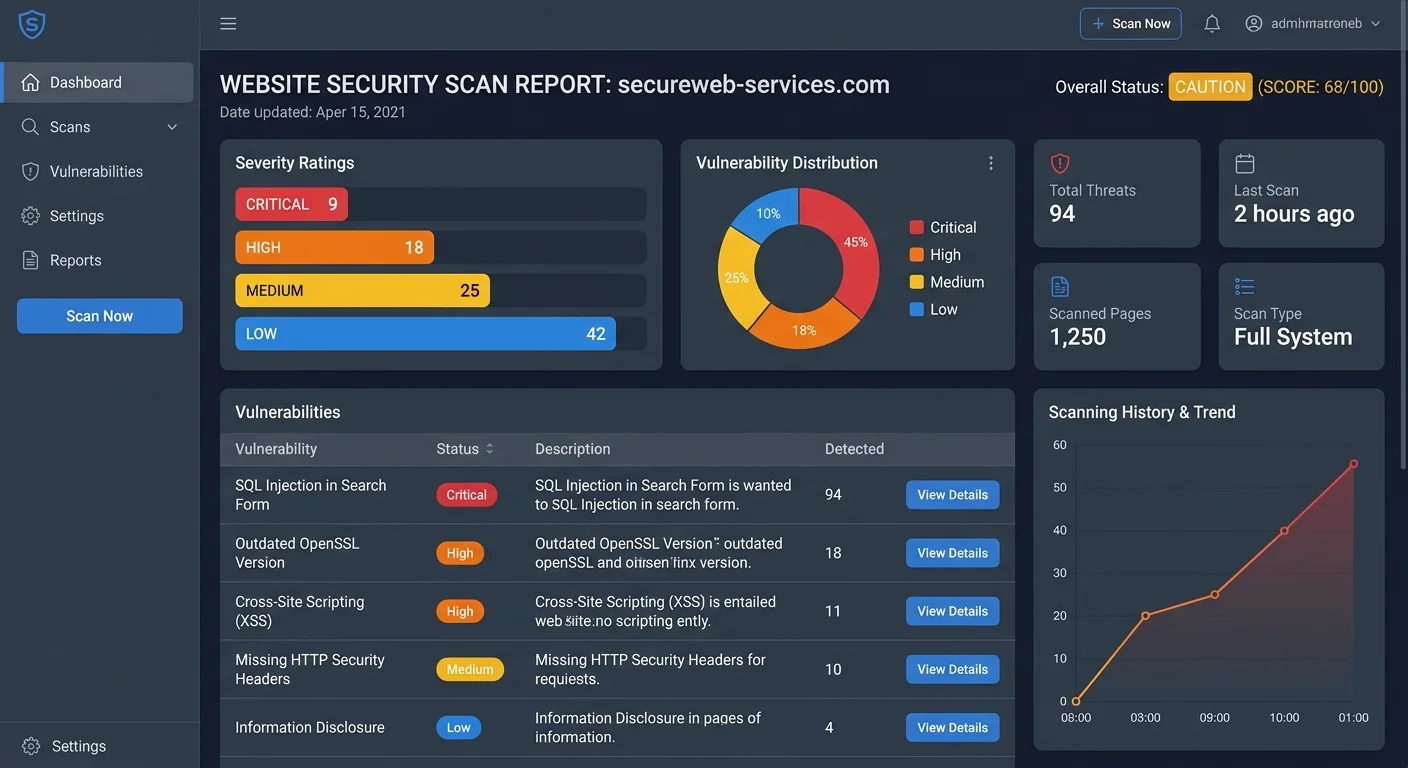
Once the scan completes, you'll receive a report listing discovered issues. Don't panic if you see dozens of findings. Most small business websites will have at least a handful of issues on their first scan. The key is reading the report methodically. Focus on critical and high severity items first. Common findings include missing Content-Security-Policy headers, outdated TLS versions, mixed content warnings, and exposed server version information. Each of these has a specific fix.
Reading Scan Reports Effectively
A good scan report groups findings by category and severity. Look for a risk score or grade first to get the big picture. Then drill into individual findings. Each one should describe the issue, explain why it matters, and suggest a fix. For example, a missing X-Frame-Options header means your site could be embedded in a malicious iframe (clickjacking). The fix is adding a single line to your server configuration. Not every finding requires immediate action, but you should understand each one.
Cross-reference your findings with the OWASP Top 10 list. This industry-standard ranking of web application security risks provides context for why certain vulnerabilities matter more than others. If your scan reveals SQL injection or broken authentication issues, those are OWASP Top 10 items and should be treated with urgency. Lower-severity findings like informational disclosures can be scheduled for later remediation without significant risk.
"The first scan is never the last. Security is a continuous process, not a one-time project."
Step 4: Fix Vulnerabilities and Build a Scanning Routine
Finding vulnerabilities is only half the battle. The other half is fixing them and making sure new ones don't slip through. Start with your critical findings. If your SSL certificate is misconfigured or expired, that's job one. If you have known vulnerable plugins, update or remove them immediately. Many fixes take minutes: adding security headers, updating software versions, disabling directory listing. Others, like fixing application-level vulnerabilities in custom code, require development time. Create a prioritized list and work through it systematically.
Creating a Remediation Workflow
Build a simple remediation workflow that fits your business. For each finding, document the issue, the recommended fix, who is responsible, and a target date. If you work with a web developer or hosting provider, share the scan report with them. Many hosting companies will fix server-level configuration issues at no extra charge if you point them to the specific findings. For CMS-related issues, check whether a plugin update or theme patch resolves the problem before attempting manual fixes.
Never ignore critical vulnerabilities even temporarily. Attackers actively scan for known weaknesses and exploit them within hours of public disclosure.
After remediation, rescan to confirm the fixes worked. This verification step catches cases where a fix was applied incorrectly or only partially addressed the issue. Then establish a recurring scan schedule. The question of how often you should run website security scans depends on how frequently your site changes. At minimum, scan monthly. If you deploy updates weekly or process sensitive data, weekly scans are appropriate. Set calendar reminders or use a tool with automated scheduling so it doesn't fall off your radar.
Finally, treat security scanning as one part of a broader security posture. Scanning catches known vulnerabilities, but it won't stop a phishing attack on your email or a brute-force attempt on your admin login. Combine regular scans with strong passwords, two-factor authentication, regular backups, and staff awareness training. Small businesses that layer these defenses see significantly fewer successful attacks. Each layer compensates for the gaps in others, creating a resilient security foundation that doesn't depend on any single tool or practice.
After every major website update (new plugin, redesign, server migration), run an immediate scan to catch regressions.
Frequently Asked Questions
?How often should I run a security scan on my small business site?
?Is a free scanner enough or do I actually need a paid tool?
?What happens if I find vulnerabilities but don't know how to fix them?
?Does running a security scan on my own site count for PCI DSS compliance?
Final Thoughts
Website security scanning is not optional for small businesses operating online. It is a practical, accessible discipline that protects your customers, your revenue, and your reputation.
By understanding what scans cover, choosing appropriate tools, interpreting results carefully, and building a remediation routine, you create a defensible security posture without needing enterprise resources.
Start with your first scan today, fix what you find, and commit to the routine. Your future self will thank you when the next wave of automated attacks passes your site by.
Disclaimer: Portions of this content may have been generated using AI tools to enhance clarity and brevity. While reviewed by a human, independent verification is encouraged.