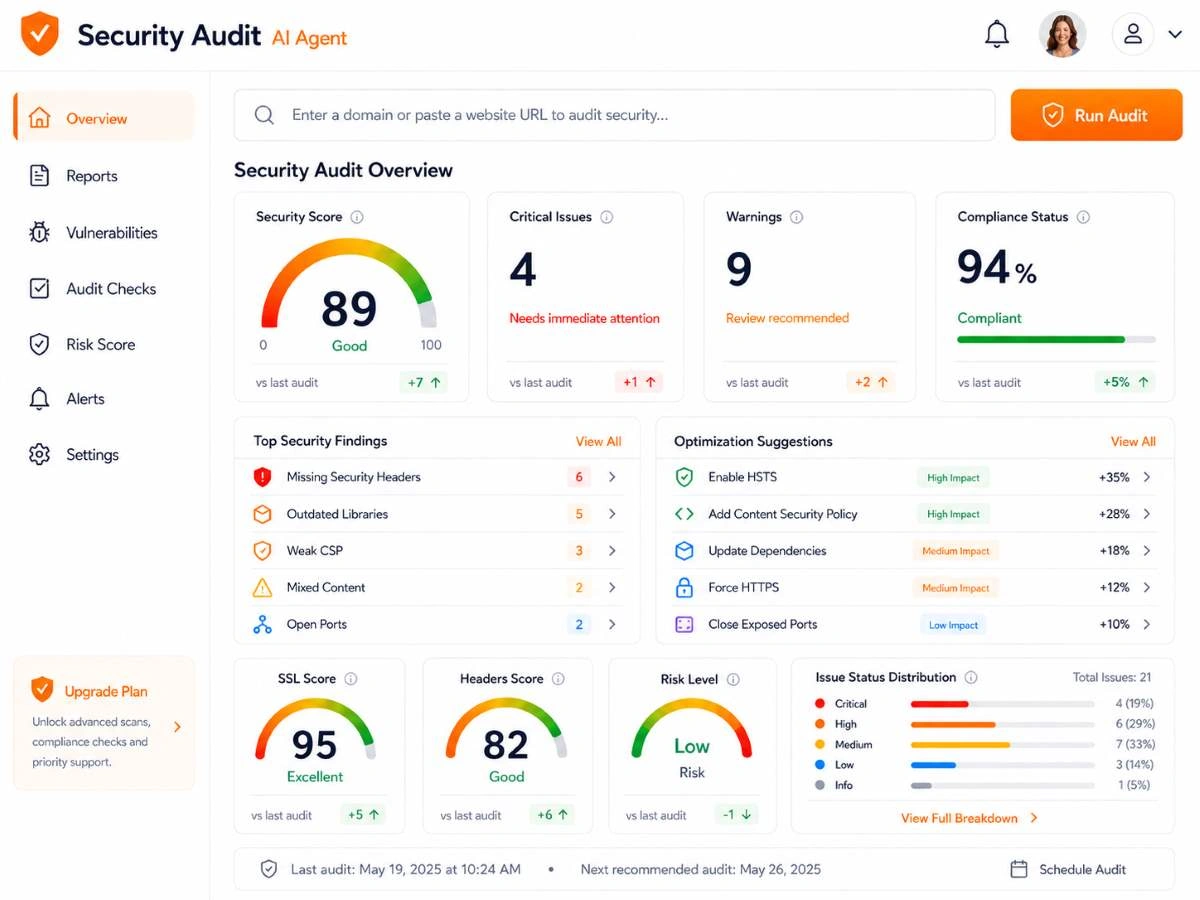
What is website security scanning? A complete guide to understanding this topic starts with recognizing that modern malware operates at machine speed.
An infected page can distribute ransomware, steal customer credentials, or redirect traffic to phishing domains within minutes of compromise. Website security scanners exist to match that speed, identifying threats before they cause real damage to users or search rankings.
For web developers and IT administrators, understanding how these scanners actually work is not optional; it is a professional requirement. The detection methods they use range from simple signature matching to behavioral analysis powered by machine learning. Knowing these methods helps you choose the right tool, configure it properly, and respond to alerts with confidence rather than panic.
Key Takeaways
- Signature-based scanning matches known malware patterns against your site's files in seconds.
- Heuristic analysis catches zero-day threats that signature databases have never cataloged before.
- Automated scanners check hundreds of pages simultaneously, far outpacing manual code review.
- Continuous monitoring detects file changes and injected scripts within minutes of compromise.
- Combining multiple detection methods produces the lowest false-negative rates in production environments.
Step 1: Signature-Based Detection
Signature-based detection is the oldest and fastest method that website security scanners use to flag malware. It works by comparing files on your server against a database of known malicious code patterns, sometimes called "signatures" or "definitions." When a scanner finds a match, it raises an alert immediately. Think of it like a fingerprint database at a police station: if the print is on file, identification is instant.
This approach excels at catching well-documented threats. Common PHP backdoors like C99 and R57 shells, JavaScript credit card skimmers, and SEO spam injections all have recognizable code patterns. A good scanner will flag these within seconds of initiating a scan. For administrators managing dozens of WordPress or Joomla sites, signature scanning provides a fast first pass that eliminates the most obvious infections before deeper analysis begins.
How Signature Databases Stay Current
The effectiveness of signature-based scanning depends entirely on how frequently the database is updated. Leading security vendors push updates multiple times per day, incorporating newly discovered threats from honeypots, user submissions, and threat intelligence feeds. If your scanner's database is a week old, you are essentially running with blind spots. Always verify that your chosen tool supports automatic definition updates, and confirm the update frequency in the vendor's documentation.
Check your scanner's signature database version before every scheduled scan to confirm updates are applying correctly.
One limitation worth noting: signature scanning cannot detect truly novel malware. Attackers who write custom obfuscated code or use polymorphic techniques will slip past this layer entirely. That is precisely why signature detection should never be your only defense. It is a strong foundation, but it requires additional detection methods layered on top, which we cover in the following steps.
Step 2: Heuristic and Behavioral Analysis
Where signature scanning stops, heuristic analysis picks up. This method examines code behavior and structure rather than matching it against known patterns. A heuristic engine might flag a PHP file that uses base64 decoding combined with eval() and an outbound HTTP request, even if that exact combination has never appeared in any malware database. For a deeper look at how security scanning fits into your broader protection strategy, our complete guide to website security scanning covers the full landscape of tools and techniques available today.
Heuristic scanners assign risk scores to files based on the suspicious characteristics they exhibit. A file with one questionable function might score low, while a file that obfuscates its contents, contacts an external server, and modifies .htaccess files would score critically high. IT administrators can set thresholds that determine which scores trigger alerts versus automatic quarantine. This flexibility prevents alert fatigue while still catching genuine threats.
"Heuristic analysis catches what signature databases miss, turning unknown threats into scored, actionable alerts."
Sandboxing Suspicious Scripts
Advanced scanners take heuristic analysis a step further by executing suspicious code in isolated sandbox environments. The sandbox monitors what the code actually does when it runs: does it attempt to write files, open network connections, or modify database entries? This behavioral observation catches sophisticated malware that looks benign in static analysis but reveals its true purpose during execution. Sandboxing is resource-intensive, so most scanners only apply it to files that already scored above a heuristic threshold.
Sandboxed execution adds processing time. Schedule sandbox-enabled scans during low-traffic windows to avoid performance impact on production servers.
The combination of static heuristic scoring and dynamic sandboxing gives administrators a powerful detection layer that handles zero-day threats effectively. According to multiple industry reports, heuristic methods catch approximately 30% more novel malware than signature-only approaches. For development teams practicing web application security best practices, integrating heuristic scanning into the CI/CD pipeline catches malicious code before it ever reaches production servers.
Step 3: File Integrity and Change Monitoring
File integrity monitoring (FIM) takes a fundamentally different approach to malware detection. Instead of analyzing what code looks like or does, FIM tracks whether files have changed at all. The scanner creates a cryptographic hash of every file on your site during a baseline scan. On subsequent scans, it recalculates hashes and flags any file whose hash no longer matches. If nobody on your team modified core WordPress files last Tuesday, but three of them show new hashes, you have a problem worth investigating immediately.
This technique is particularly effective against supply chain attacks and compromised plugins. An attacker who modifies a legitimate jQuery library to include a skimmer will change the file's hash, triggering an alert regardless of how cleverly the malicious code is obfuscated. FIM does not care about the nature of the change; it only cares that a change happened. This makes it nearly impossible to evade through code obfuscation alone, which is a significant advantage over both signature and heuristic methods.
Real-Time Alerts and Diffing
Modern FIM tools offer real-time monitoring through filesystem event hooks (like inotify on Linux). Rather than waiting for scheduled scans, these systems alert within minutes of unauthorized file modifications. When an alert fires, the scanner typically presents a diff view showing exactly what changed, line by line. This immediate visibility lets administrators determine whether a change is benign (a developer pushed an update) or malicious (an unknown script was injected into a header file).
File integrity monitoring generates false positives during legitimate deployments. Whitelist your deployment process or pause FIM during planned releases.
For what is website security scanning at its most practical level, FIM represents a detection method that works regardless of how new or sophisticated the malware is. Any unauthorized change is suspicious by definition. The key challenge is managing the noise: CMS auto-updates, cache file generation, and user-uploaded content all modify files legitimately. Configuring exclusion rules for known-safe directories (like /wp-content/uploads/ or /tmp/) dramatically reduces false positives while keeping critical files under tight surveillance.
| Method | Speed | Zero-Day Detection | False Positive Rate | Resource Usage |
|---|---|---|---|---|
| Signature-Based | Very Fast | None | Low | Low |
| Heuristic Analysis | Moderate | Good | Medium | Medium |
| Sandbox Execution | Slow | Excellent | Low | High |
| File Integrity (FIM) | Fast | Excellent | Medium-High | Low |
Step 4: Combining Methods for Comprehensive Coverage
No single detection method catches everything. Signature scanning misses novel threats. Heuristic analysis generates false positives. FIM triggers on legitimate changes. The practical solution, and what separates competent security operations from checkbox compliance, is layering all three methods together. A well-configured scanner runs signature checks first (fast and cheap), escalates unknowns to heuristic analysis (more thorough), and uses FIM as a continuous safety net that catches anything the other two layers miss.
When you configure a layered scanning approach, schedule full signature scans daily, run heuristic scans weekly, and keep FIM active continuously. This tiered schedule balances thoroughness against server resources. Production web servers handling thousands of requests per second cannot afford heavy scanning during peak hours. Stagger your scans across different times, and assign the most resource-intensive methods to maintenance windows. Most enterprise scanners support this kind of scheduling natively.
Choosing the Right Scanner Configuration
For web developers managing a handful of sites, a cloud-based scanner with automatic scheduling handles most needs. These services run signature and heuristic checks remotely, reducing the load on your servers. For IT administrators overseeing enterprise infrastructure with dozens or hundreds of properties, agent-based scanners installed directly on each server provide deeper visibility and faster FIM response times. The right choice depends on your scale, your compliance requirements, and your team's capacity to review alerts.
Start with signature and FIM scanning on day one, then add heuristic analysis once your team has established a baseline for normal alert volume.
Understanding what is website security scanning in a complete guide means recognizing that detection speed directly impacts damage containment. A scanner that finds malware in five minutes limits the blast radius to a handful of affected visitors. A scanner that only runs weekly might leave an infection active for days, potentially affecting thousands of users and triggering search engine blacklisting. The fastest detection comes from combining automated scanning with manual review workflows where trained staff investigate alerts promptly, closing the loop between machine detection and human judgment.
Integration with your incident response plan is equally important. Configure your scanner to send alerts to your team's communication channels, whether that is Slack, PagerDuty, or email. Define escalation procedures so that critical alerts (like a modified payment page) get immediate attention while lower-severity findings enter a triage queue. The scanner is only as valuable as the response it triggers; a perfect detection with no follow-up action is functionally identical to no detection at all.
Frequently Asked Questions
?How do I verify my scanner's signature database is actually updating?
?Is heuristic analysis slower than signature-based scanning?
?How quickly can a scanner realistically detect an injected script after compromise?
?Is relying on signature scanning alone enough for a WordPress site?
Final Thoughts
Website security scanners detect malware fast by combining signature databases, heuristic scoring, behavioral sandboxing, and file integrity monitoring into layered defense systems.
Each method covers the blind spots of the others. For web developers and IT administrators, the practical takeaway is straightforward: deploy multiple detection methods, schedule them intelligently, and build response workflows that convert alerts into action.
Speed of detection directly determines how much damage malware can inflict, so invest in tools and processes that minimize the gap between compromise and containment.
Disclaimer: Portions of this content may have been generated using AI tools to enhance clarity and brevity. While reviewed by a human, independent verification is encouraged.